
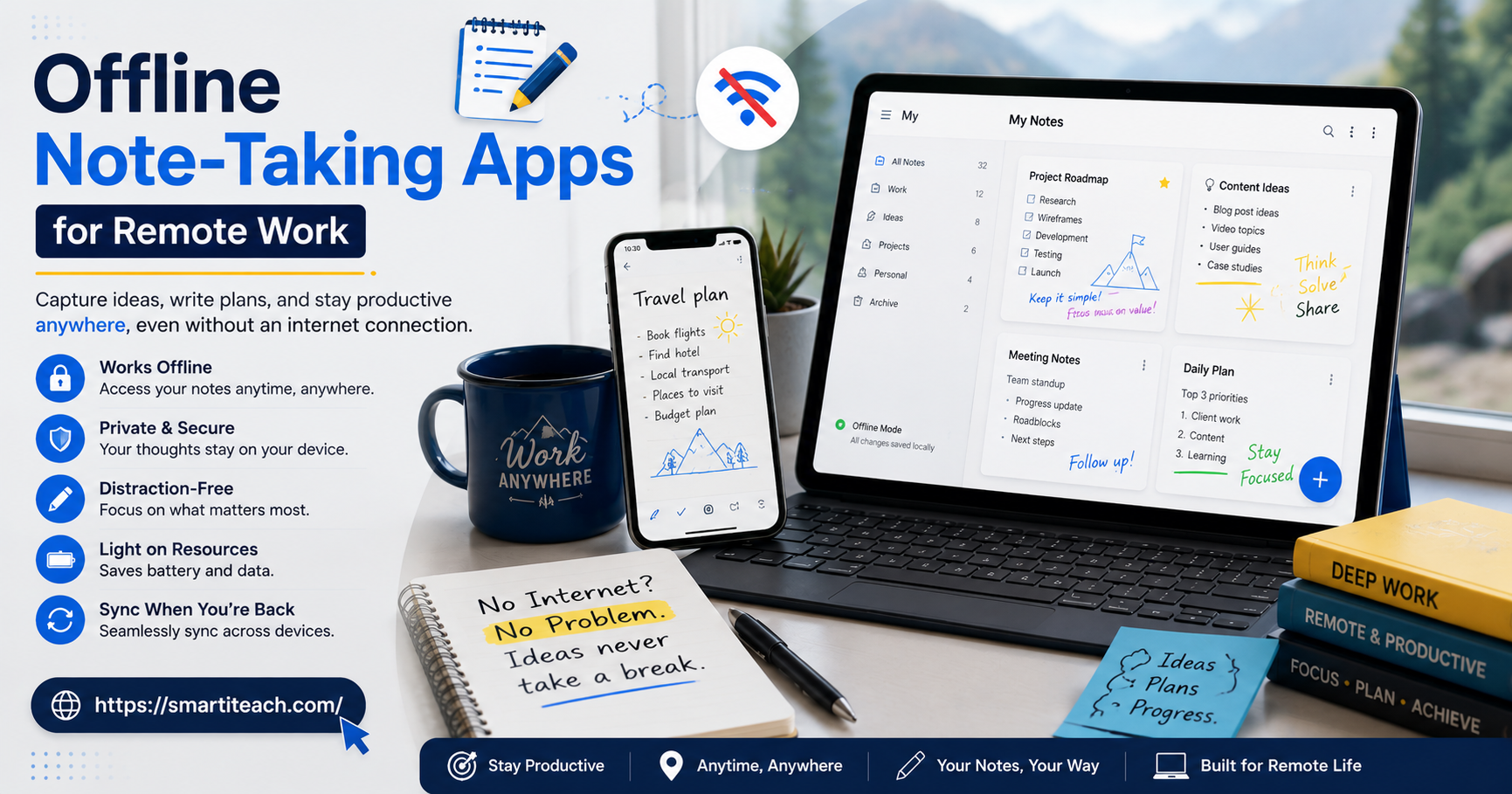

I lost a full page of meeting notes once because a cloud app decided to sync at the exact moment my train went through a tunnel. Never again. That’s basically the whole pitch for offline note taking apps for remote work — you stop trusting your notes to a connection you don’t control.
If you’ve worked from a coffee shop with Wi-Fi that comes and goes, or a rural Airbnb where one bar of signal is a good day, you already know the drill. Calls drop. Docs freeze halfway through a sentence. And then the note you swore you saved is just gone, because the sync didn’t finish in time. An offline app skips all that — it writes to your device first, full stop, and syncs whenever the internet feels like showing up.
Below is what actually makes one of these apps worth using, plus the ones I’d point a remote worker toward first.
Why Offline Note Taking Still Matters in a Cloud-First World
Everyone’s sold on the cloud right now. Notion, Google Docs, Evernote — all built around the idea that your stuff is everywhere, all the time. Except when the internet goes out, and suddenly “everywhere” means nowhere, and you’re staring at a loading icon instead of your own notes.
Offline-first tools just don’t play that game. Your notes sit on your device first; the cloud’s just a backup copy. That distinction matters way more if you work remotely than if you’re in an office on a wired connection you never think about. Hotel Wi-Fi, airport lounges, a co-working space out past cell service — none of that is predictable, and your notes shouldn’t depend on it being.
There’s also the privacy piece. If you’re dealing with client files or anything you’d rather not park on a stranger’s server, offline apps let you decide when — or whether — that stuff ever leaves your laptop.
What to Look For in an Offline Note Taking App
Plenty of apps say “works offline” and mean “caches for twenty minutes.” Here’s what actually separates the real ones:
- Real local storage. Saved to your device, not sitting in a temporary cache that clears the second you close the tab.
- Sync that doesn’t create a mess. Reconnect and it should merge cleanly — no duplicate notes, no “which version is the real one” moment.
- Works on more than one device. A note from your laptop needs to still make sense on your phone later that day.
- A way to actually find things. Tags, folders, backlinks — pick your poison, but you’ll need one once you’re past a hundred notes.
- You can get your notes out. Markdown, PDF, plain text. Anything that isn’t “sorry, this only lives here forever.”
Now, the apps.
1. Obsidian
Every note in Obsidian is a plain Markdown file, sitting right there on your computer, no account needed. You could open your whole vault in a random text editor and it’d still make sense — try that with most note apps.
The linking is really what sells it though. Connect one note to another, and another, and eventually you’ve got something closer to a map of how you think than a folder of files. Sync’s a paid add-on if you want it, but the free version already works fully offline.
Best for: researchers, writers, anyone who wants to actually own their notes long-term.
2. Standard Notes
Stripped down, on purpose. No clutter fighting for your attention, and the encryption’s tight enough that even the people who built the app can’t read what you write. Works offline, syncs securely once you’re back on a connection.
You can add extensions later — spreadsheets, task lists, that kind of thing — but the core stays lean. Good if you write every day and don’t want a busy interface getting in the way.
Best for: privacy-conscious professionals and daily journaling.
3. Joplin
Free, open-source, offline by design rather than by accident. Notes live on your machine, and if you want sync, you route it through your own storage — Dropbox, a personal server, whatever — instead of trusting some company’s backend.
Markdown, to-do lists, tags, all there. And since it’s open-source, nobody can shut it down and take your notes with it.
Best for: developers and anyone who wants to actually control where their data lives.
4. Simplenote
Does exactly what it says. No folders, barely any formatting, nothing to fuss over. Type something, it saves instantly, it’s there offline the second you open the app again.
That’s the whole appeal — it just doesn’t get in your way. If you’re firing off quick notes between calls all day, this is the one that disappears into the background.
Best for: quick capture, minimal setups.
5. Bear
Built for people on Apple devices who want their notes to look decent and still work offline without any drama. Tags instead of folders, which honestly ends up faster once you’ve got a few hundred notes piled up.
Export to PDF, Word, or Markdown whenever you want out. And because it leans on Apple’s own storage, offline just feels like the default, not a bolted-on feature.
Best for: Mac and iOS users who care about design as much as function.
6. Zoho Notebook
Handles audio notes, sketches, checklists — all offline. It’s part of the bigger Zoho lineup, so if your team’s already running Zoho for invoicing or CRM, there’s some natural crossover there.
The card layout means you’re scanning visual tiles instead of a plain list, which makes it a lot faster to spot the note you’re actually looking for.
Best for: remote teams already inside the Zoho ecosystem.
7. Notepad++ (for Windows users who want raw simplicity)
Sometimes you don’t want a note app at all. You want something that opens instantly and asks nothing of you. Notepad++’s been around forever, runs entirely offline, and starts up fast even on an ancient laptop.
No sync, no mobile version. But for code snippets or a rough draft you’ll clean up later, it does exactly what you need and nothing more.
Best for: developers and technical writers who want speed over features.
8. Google Keep (with offline mode enabled)
Cloud-first by nature, but it does hold onto notes offline once they’ve already been cached on your device. Fine for short reminders, checklists, color-coded stuff you glance at once and forget.
The catch: notes made while offline can take a little longer to sync properly compared to apps built offline-first from the start. Still, if your whole life’s already in Google, it’s a decent middle ground.
Best for: casual note-takers who don’t want to leave the Google ecosystem.
9. Turtl
Built around encrypted, offline-capable notes for people handling sensitive stuff. Notes go into boards by project, and everything’s encrypted before it ever touches a server.
Rougher around the edges than the others on this list, no question. But for consultants, lawyers, or researchers who genuinely can’t afford a leak, the trade-off’s worth it.
Best for: professionals working with confidential material.
How to Choose the Right App for Your Workflow
There’s no single “best” — it comes down to how you actually work day to day.
Long-form writing or research? Obsidian or Joplin, for the linking and Markdown. Privacy’s the priority? Standard Notes or Turtl. Just need to fire off quick notes between meetings? Simplenote or Google Keep beats anything more complicated.
Ask yourself:
- Do you need this on more than one device, or does a single device cover it?
- How much does encryption actually matter for what you’re writing?
- Do you want plain text files you fully own, or are you okay inside a closed format?
- Is anyone else touching these notes, or is it just you?
Answer that honestly and the list narrows fast.
Building a Reliable Offline Note-Taking Habit
The app’s only half of it. What you actually do with it matters more.
People who get real value out of offline notes usually stick to one app instead of scattering ideas across five. They set aside a few minutes, usually first thing or last thing in the day, to review and sort what they captured. And they still back things up now and then — local storage fails too, it’s just quieter about it than the cloud is.
The app rarely makes the biggest difference in the end. The habit around it does.
Common Problems Remote Workers Face Without Offline Tools
Lean too hard on cloud-only apps and the same problems keep showing up.
You lose work the second the connection drops. A cloud editor that hasn’t finished syncing can eat the last few minutes you typed, right when the signal cuts out. Offline apps save locally the whole time, so nothing’s riding on a live connection just to hold onto what you wrote.
Everything feels slow on a weak signal. Technically connected doesn’t mean usable — a bad signal can make a cloud app crawl. Local storage stays responsive no matter what the bandwidth’s doing, since it’s not waiting on a server just to open a note.
Sync conflicts get messy. Edit the same note on two devices while both are offline, and you can end up with duplicate versions once they reconnect. Some apps sort this out cleanly. Plenty don’t — worth checking before you commit.
One company’s outage becomes your outage. Cloud-only app goes down, you lose access to your own notes for however long that lasts. Offline-first tools sidestep that completely, since your notes stay put no matter what’s happening on their servers.
A Simple Workflow for Staying Organized Offline
Even the right app turns into a mess without a little structure around it.
Start the week with one note — priorities, meetings, deadlines, whatever’s on deck — and keep coming back to that instead of spinning up a new note for every small thing. End of each day, spend two or three minutes filing whatever you captured into the right project. That’s really it. That small habit is what stops the backlog from turning into a wall of unsorted notes six weeks later.
For anything longer-running, one master note per project beats splitting related thoughts across a dozen small files. Searching gets a lot easier when things live in one place instead of scattered across notes with nearly the same title.
Final Thoughts
You can’t count on reliable internet every day when you work remotely — that’s just how it is. Which is exactly why offline note taking apps for remote work stopped being optional for a lot of people. Obsidian for flexibility, Standard Notes for privacy, Simplenote for speed — whatever you land on, the point’s the same: your ideas shouldn’t need a Wi-Fi signal just to survive.
Pick two or three off this list, give each a real week, and notice which one fades into the background of how you already work. That’s the tell. When it stops feeling like a tool, you’ve found the right one.



[…] one — people set it up once and never touch it again. That first couple of weeks is when the system is actually learning your patterns, so correcting a wrong categorization matters a lot right then. Skip that step and […]
[…] workflow itself is boring, which is sort of the point. Contract arrives. Gets uploaded. Flags get read in a few minutes. Concerns, if there are any, get raised before […]
[…] But there’s a point, and it’s different for every company, where the outrunning stops working and the mistakes start catching up. Usually that’s around the time you hire your fifth or sixth person and […]
[…] old method sticky notes on a whiteboard, quarterly journey map reviews captures a moment in time and then goes stale almost […]