

A client sends over a “standard” agreement late on a Friday. You skim it. Nothing jumps out. You sign, move on with your week, forget about it entirely until three months later when you’re chasing an invoice, wondering why the client keeps saying “it’s not due yet.” Turns out paragraph fourteen gave them sixty days to pay. You assumed fifteen. Nobody told you otherwise, and honestly, you never checked.
This happens constantly. Not because freelancers are lazy or careless — most of them are neither — but because nobody trains a graphic designer or a copywriter to read indemnification clauses. You learn Photoshop or SEO or whatever your craft is. You don’t learn contract law, and there’s no reason you should have to, except that ignoring it costs money.
So that’s the gap. And it’s exactly why AI contract review software has quietly become one of the more useful tools freelancers are picking up. It won’t replace a lawyer for the big, scary deals. But for the routine stuff, the stuff that makes up ninety percent of freelance work, it catches things a tired brain scanning a PDF at 11pm on a Friday just won’t.
What It Actually Does
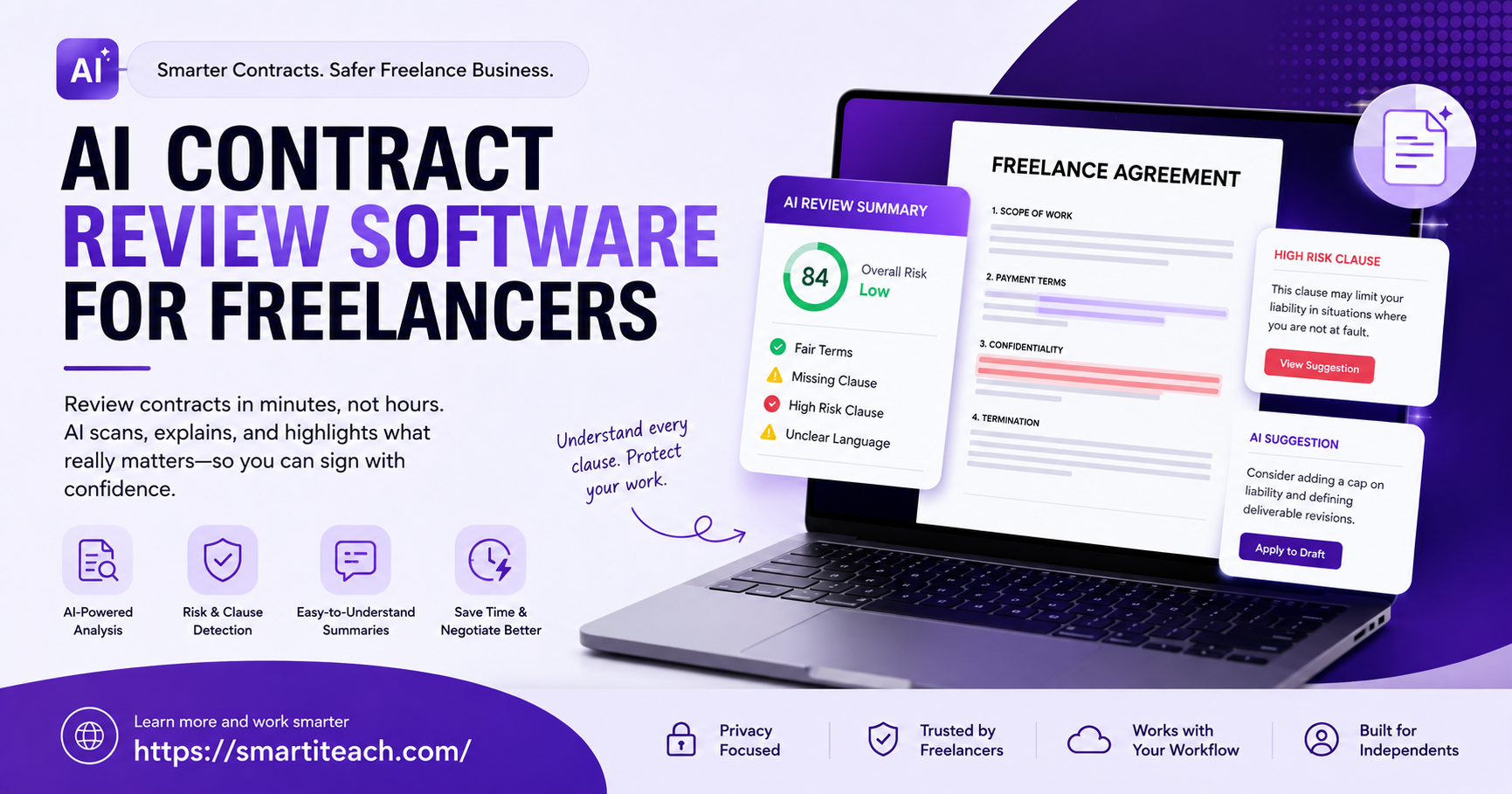
Upload a contract, wait about a minute, get a breakdown. That’s the short version. The software reads the document the way someone who’s negotiated a hundred contracts would flagging unfair payment terms, one-sided termination clauses, liability that has no ceiling, scope language so vague it could mean anything.
Some tools go further than a simple flag-and-explain. A few compare your contract against thousands of similar ones and tell you where yours sits outside the norm. Others let you build your own rules. Hate non-competes? Set it once, and the software catches that clause every time, forever, without you having to remember to look.
The good ones explain themselves too, in plain language, not legalese stacked on more legalese. Instead of “risk detected” they’ll actually tell you why a clause is risky and this is the part freelancers seem to like most suggest wording you could push back with. At that point it’s not just a warning system. It’s closer to having a negotiator whispering in your ear.
What Skipping Review Actually Costs You
Hiring a lawyer for an $800 gig doesn’t make financial sense when the lawyer charges $300 an hour. Everyone knows this. So contracts get signed unread, and the problems that were sitting there the whole time show up later, usually at the worst possible moment.
Unpaid invoices are the obvious one. But scope creep sneaks up quietly too a vague deliverables section gives a client room to keep asking for “one more small thing” indefinitely, without ever paying for it. IP disputes are the third, and probably the nastiest, because plenty of freelancers have discovered, well after the fact, that a contract handed over rights to their templates or their process, not just the finished piece of work they thought they were selling.
None of this is rare. Freelance forums are basically full of these stories. AI contract review exists specifically to close that gap cheaply enough, and fast enough, that skipping it stops being the obvious choice.
How Freelancers Use These Tools, Day to Day
Nobody runs every single contract through review. That’s not how it works in practice. People use it strategically.
New clients get the careful treatment, since there’s no track record yet to lean on. Bigger contracts too, obviously, because the exposure is higher. And anything drafted by the client’s own legal team rather than a familiar template deserves a second look, because that kind of document tends to be written with exactly one side’s interests in mind, and it isn’t yours.
The workflow itself is boring, which is sort of the point. Contract arrives. Gets uploaded. Flags get read in a few minutes. Concerns, if there are any, get raised before signing. No waiting a week for a lawyer’s calendar to open. No $500 consultation fee for something routine.
Choosing a Tool
Not every AI contract review platform was built with freelancers in mind. A lot of them were designed for corporate legal teams reviewing vendor deals, and the pricing shows it. A few things matter more than shiny features when you’re actually deciding.
Pricing needs to scale with how often you sign contracts a freelancer signing four a month shouldn’t pay enterprise rates. Speed matters, since a tool that takes twenty minutes to analyze one document kind of defeats the purpose. Clarity matters even more; flagged clauses need plain-language explanations, not more jargon requiring its own translation. And integration with e-signature tools or invoicing software you already use helps a lot, because contract review that fits into an existing workflow gets used, and contract review that becomes an extra annoying step usually doesn’t.
Worth checking, too, whether you can build a personal ruleset. A photographer cares about usage rights and licensing. A developer cares about IP assignment and liability for bugs. Different worries, different work. A tool that lets you customize what gets flagged ends up more useful long-term than one treating every freelancer the same.
The Limits, Because There Are Some
This software is genuinely useful. It’s also not a lawyer, and it shouldn’t be treated like one for anything major. Tens of thousands of dollars on the line? Equity involved? Multiple jurisdictions, long-term exclusivity? Get an actual human lawyer for that. Think of the software as the first line of defense it catches the obvious and moderate risks so a lawyer’s time gets saved for the stuff that genuinely needs a lawyer.
There’s also a learning curve on trust. Early on people either over-trust it (a clean report doesn’t mean a contract is entirely safe) or undertrust it (ignoring flags because the risk isn’t fully understood). That settles over time. Most freelancers eventually develop a decent sense for which flags matter for their specific line of work.



[…] not a fancy consulting term, even though it sounds like one. It just means: how does work actually move through your business, from the moment it starts to the moment it’s done, and does […]