
I Lost Three Years of Work to One Dead Hard Drive. Here’s the Backup Strategy I Wish I’d Had Before That

It didn’t even make a weird noise first. No clicking, no warning sound, none of the things you’re supposed to hear before a drive dies. I just turned my laptop on one morning and it wasn’t there anymore. Three years of client files, invoices, contracts, half-finished projects. Gone. I’d like to say I had backups, but I had one backup, on one external drive, that I hadn’t plugged in for about eight months. So functionally, I had nothing current.
That’s the story behind why I now take backups more seriously than probably any other part of my workflow. Here’s what I ended up building.
The rule that actually holds up
There’s a guideline called the 3-2-1 rule and it’s stuck around this long because it works. Three copies of your data. Two different types of storage media. One copy kept somewhere away from your main workspace. Sounds almost too simple to matter, but the simplicity is kind of the point it’s easy enough to actually follow, unlike some of the more elaborate backup schemes I tried and abandoned within a month.
Local backups come first
An external hard drive, or a network-attached storage box if you want something more permanent, captures a full copy of your files without needing an internet connection. Fast to access. Doesn’t depend on anyone’s servers being up.
The mistake I made before and I think a lot of people make this same one is treating it as something you do manually, when you remember, which in practice means never. Set it to run automatically on a schedule. Doesn’t matter how good your intentions are, you will forget otherwise. I certainly did, for eight months, apparently.
Cloud backups cover the disaster scenario
Local backups protect you from drive failure. They don’t protect you from your apartment flooding, or a fire, or someone breaking in and taking every device in the room. That’s what a cloud backup is actually for it’s not a replacement for local, it’s the second layer that covers what local can’t.
Pick a provider that encrypts your data properly, since that copy is sitting on hardware you don’t control and don’t have physical access to. That part’s non-negotiable for me now, after everything.
Don’t forget the devices that aren’t your laptop
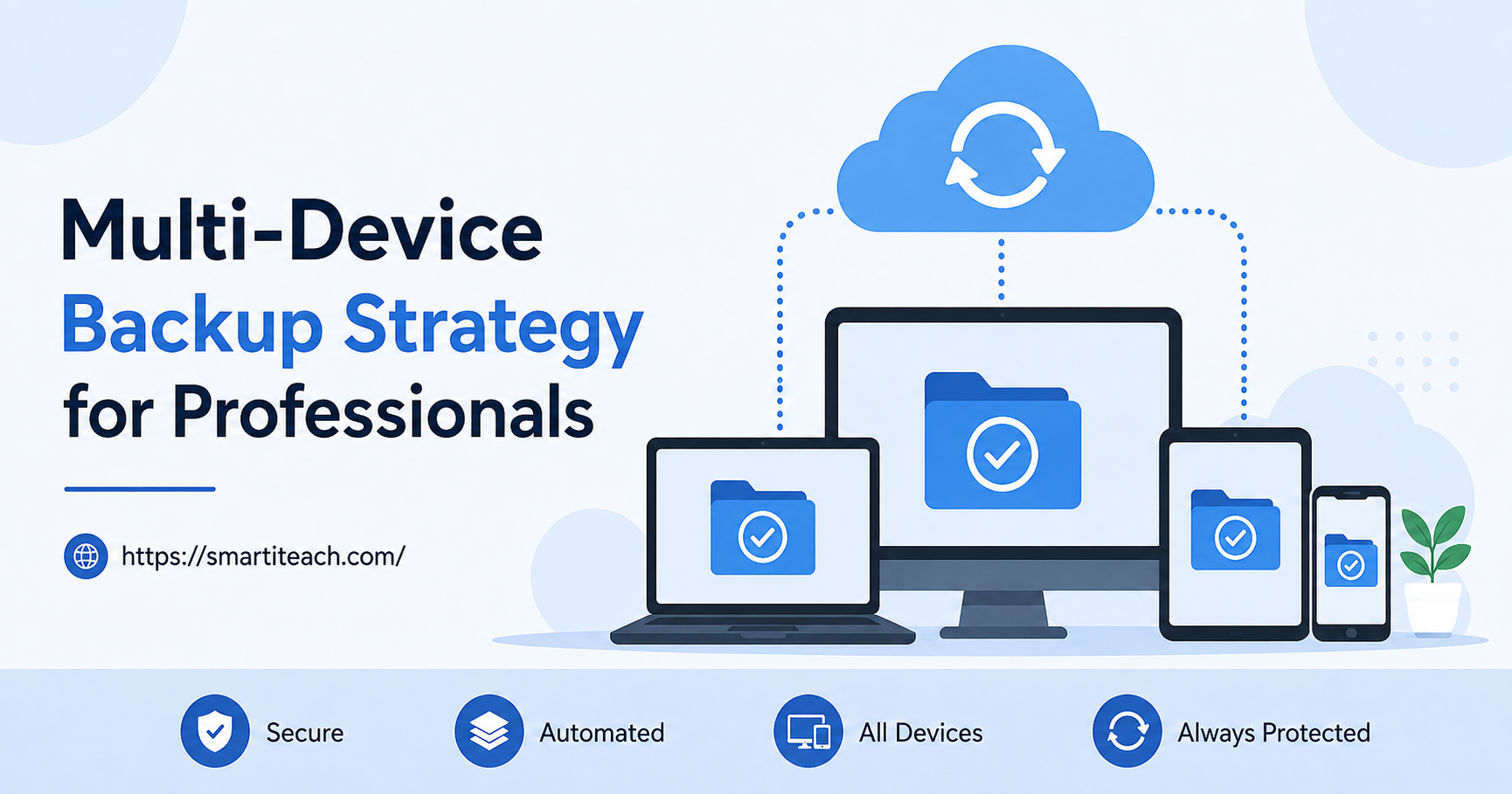
This one’s easy to miss. You’ve got a laptop, sure, but also a phone with photos on it, maybe a tablet where you scribbled notes during a meeting. If your backup plan only covers the laptop, you’ve got gaps, and gaps are exactly where things slip through. Learned that one too, separately, when I realized six months of voice memos existed only on a phone I’d almost upgraded without checking first.
Version history saved me more than once
A backup that only keeps the most recent version of a file doesn’t actually help if the problem is that the recent version is the corrupted one, or the one you accidentally overwrote, or the draft you saved over the good draft by mistake. Look for backup software that keeps a history multiple versions over time so you can reach back to something from three days ago instead of just yesterday’s mistake.
Test it. Actually test it.
I didn’t do this for the first year of running backups and honestly got lucky that nothing failed silently during that stretch. A backup that isn’t working doesn’t announce itself. It just sits there, looking fine, until the day you need it and discover it’s been failing quietly for months.
Every few months now I restore a random test file just to confirm the whole chain still works. Takes five minutes. Catches problems long before they’d actually cost me anything.
Encrypt everything, not just the cloud part
An external drive sitting in a bag is only as safe as whoever finds that bag, if you ever lose it. Full-disk encryption plus a real password, not “password123” or your dog’s name, keeps that drive useless to anyone who isn’t you, even if it walks off somewhere.
I won’t pretend this system is bulletproof. Nothing is. But it’s a long way from where I was one drive, eight months stale, no idea until it was too late. That morning cost me three years of files. It’s also, weirdly, the reason my backup setup is actually solid now.



[…] say this because I’ve watched founders avoid automation entirely, for years sometimes, assuming it required some technical skill set they didn’t have […]