

I’ve watched this happen at three different companies now, and it’s always the same story. You start with a handful of docs in one shared folder. Fine, no problem. A year later there are hundreds of files, half of them called “final,” and nobody can tell you who actually owns any of it. Someone needs the latest pitch deck, asks in Slack, and gets back three links from three people – and somehow none of them is the current one.
That’s not really anyone’s fault. It’s just what happens once a company starts moving faster than its own filing system. Cloud file organization for startups is the fix for this, and it is genuinely one of those things that’s ten times easier to set up early than to fix after the fact. I say that from experience, having tried both.
Here’s what actually works: why this mess costs more than people think, what a decent folder structure looks like once it’s built, and which tools make it stick as more people join.
Why File Chaos Hits Startups Harder
Big companies have an IT department, or at least someone whose entire job is document policy. Startups have neither, usually. Everyone’s already doing three jobs, decisions happen in a Slack thread at 11pm, and “we’ll write it down later” almost never actually happens later.
That speed is kind of the point of a startup, to be fair. But it has a cost. Once five people are each naming and saving files however makes sense to them personally, you get a folder tree that only one person actually understands – and the second that person takes a vacation, everyone else is guessing. New hires spend their first couple of weeks just trying to figure out where things live instead of doing actual work. And if an investor ever asks for due diligence docs, the cracks show up fast. Messy files have a way of making the whole operation look messier than it is, fair or not.
The cost isn’t some dramatic one-time thing either. It’s just constant, small, and easy to miss. Ten minutes here looking for a file, twenty there re-creating something that got lost, a Slack message asking “wait, is this the right version?” None of it looks like much on its own. Add it up over a year and it’s a real chunk of everyone’s time that nobody ever notices, because it never shows up as one big line item on anything.
The Principles Behind Good File Organization
Before anyone touches folder names or picks a tool, get the team to agree on a few basics first. Honestly this part matters more than whatever software you end up choosing – the software just enforces what people have already agreed to do, or fails to, if nobody agreed on anything.
Consistency beats cleverness, every time. A structure that only makes sense to the person who built it falls apart the moment that person is out sick or leaves.
Fewer, deeper folders work better than a wall of shallow ones. Fifty folders sitting flat at the top level is genuinely harder to deal with than five clear categories with sensible things underneath them.
Naming should be boring, almost annoyingly so. Creative names feel clever in the moment they’re typed. A dull, predictable format like 2026-07-ClientName-ProjectName-v2 will save far more time six months from now than something memorable but inconsistent.
And ownership matters just as much as the structure itself. Every major folder needs one person who’s actually responsible for keeping it clean – even if that job rotates every quarter or so.
A Folder Structure That Holds Up
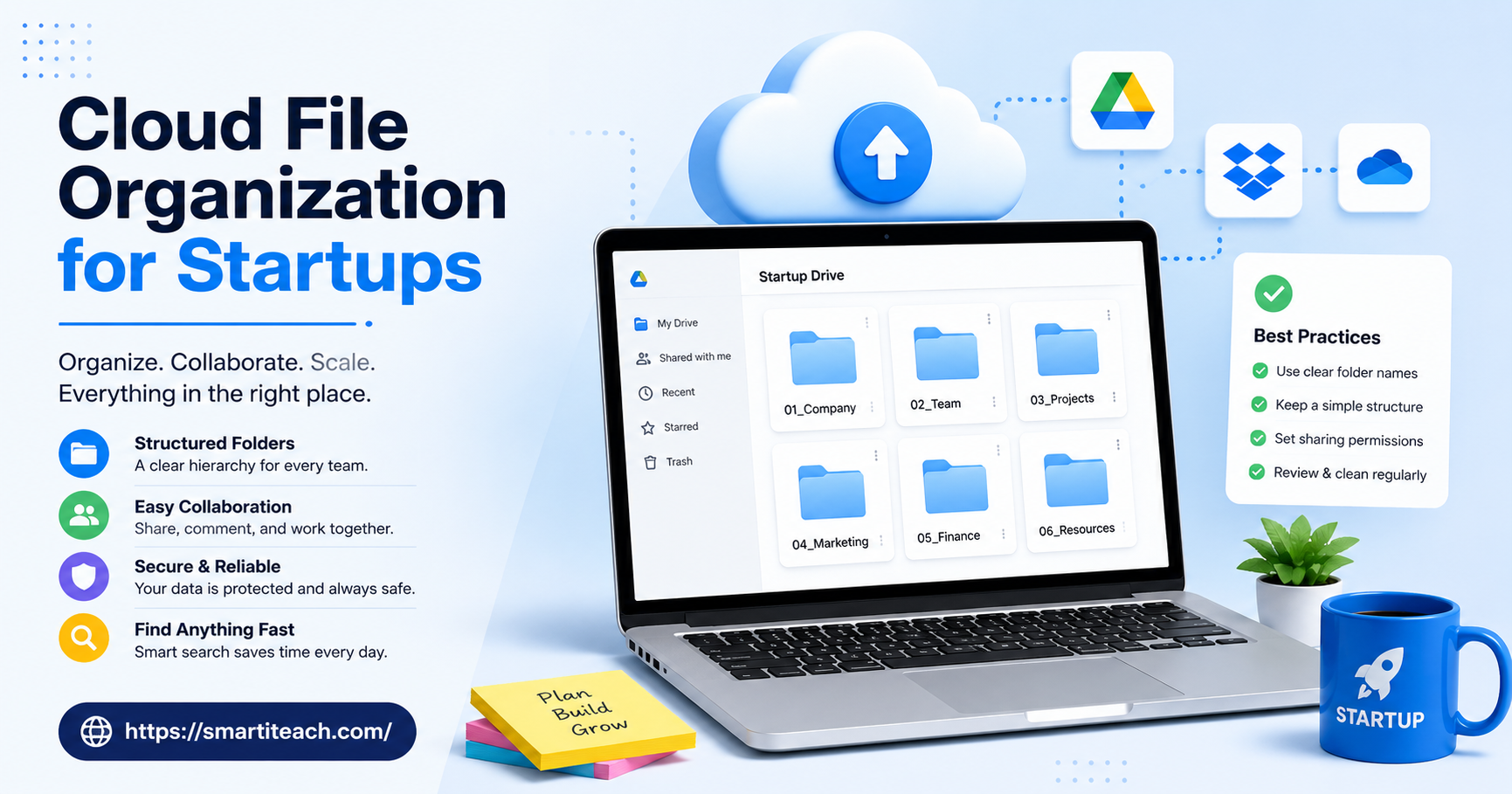
Most startups do better organizing around departments than around individual projects. Makes sense when you think about it – projects come and go, but departments tend to stick around for the life of the company.
Here’s a structure that tends to work well in practice:
- 01_Company – legal docs, incorporation papers, policies, equity info
- 02_Finance – invoices, budgets, financial reports, tax documents
- 03_Product – specs, roadmaps, design files, technical docs
- 04_Marketing – campaigns, brand assets, content calendars, analytics
- 05_Sales – contracts, proposals, client communication
- 06_HR – hiring docs, onboarding materials, internal policies
- 07_Investors – pitch decks, cap tables, due diligence materials
Numbering keeps everything sorted logically instead of scattered alphabetically – which starts to matter once there are more than ten top-level folders to scroll past.
Inside each department, subfolders should follow natural divisions rather than trying to account for every possible edge case. A “Product” folder probably only needs “Specs,” “Design,” and “Archive” – not a separate folder for every feature the team has ever floated in a meeting.
Naming Files So People Can Actually Find Them
Here’s the thing nobody tells you: a great folder structure means nothing if the files inside it are all named “final.” Skip the naming step and you’ll end up with a perfectly organized set of folders, each one stuffed with files called “final,” “final_v2,” and, eventually, “final_ACTUALLY_final.”
What actually works is boringly simple – a date, a short description, and a version number if there is one:
2026-07-29_SeriesA-PitchDeck_v3.pdf
It sorts itself chronologically, tells you what the file is without opening it, and makes it obvious right away if a newer version might exist. Get this right from day one and you’ll never have to go back and rename hundreds of old files – which, trust me, is a miserable afternoon once the file count gets big enough.
Picking a Cloud Storage Tool
The structure and naming rules matter more than the platform, honestly. But the tool you pick still shapes how easy it is to keep things tidy six months in.
Google Workspace
This is probably what most startups default to, mainly because everyone’s already used Docs and Sheets somewhere before. The one thing worth doing right away is setting up Shared Drives instead of relying on personal “My Drive” folders – a Shared Drive belongs to the team, not a person, so nothing disappears when someone quits.
Dropbox Business
Dropbox’s version history and file recovery are genuinely better than most people expect, which matters the day someone overwrites a file they shouldn’t have. Its smart sync also means people aren’t stuck eating up their whole hard drive just to keep files available offline.
Microsoft OneDrive and SharePoint
Makes sense if the team’s already on Microsoft 365 for email. SharePoint in particular gives you much finer control over who sees what, which starts to matter once financial or client data is spread across different departments.
Box
More of a fit for startups in healthcare, finance, or anywhere else compliance actually shows up in day-to-day work. Box lets you get specific down to the individual file, not just the folder, if that level of control is something you need.
Permissions: The Part Everyone Forgets
Everyone obsesses over folder structure and then completely forgets permissions, which honestly cause just as much trouble. Without clear rules on who can see what, a cap table or a salary spreadsheet can end up visible to the entire company by accident – and nobody notices until it’s already a mess.
Three tiers usually cover it. General stuff stays open to everyone. Department files stay with that team plus leadership. Anything actually sensitive – contracts, financial records – stays locked to founders and specific department heads only.
And it’s worth actually revisiting these every few months instead of setting them once on day one and forgetting they exist. Otherwise you end up with a former employee or an old contractor who still has access to things they shouldn’t, sometimes for years after they left.
Keeping the System Alive as the Team Grows
A system that works fine at five people can quietly fall apart by twenty. Not because the original structure was wrong – just because nobody kept maintaining it while the team was busy growing.
The fix is pretty simple, actually: give one person ownership of the file system. Often that’s someone in ops or an EA. They don’t have to personally organize every single file, but they should be the one checking in every so often, archiving what’s gone stale, and gently calling it out when naming conventions start drifting.
Onboarding matters here too. New hires need an actual walkthrough of the file system, not just a login and a “you’ll figure it out.” Five minutes spent explaining the logic on day one saves everyone hours of confused Slack messages later.
And archiving needs a schedule, not just good intentions. A quick quarterly pass where finished projects get moved into an “Archive” subfolder keeps the active folders from turning into a graveyard of old stuff nobody needs anymore.
Signs Your System Already Needs Fixing
A few things tend to show up when the system’s already broken and just quietly patching it isn’t going to cut it anymore.
People asking around for files instead of finding them on their own, constantly. Different versions of the same document circulating through email instead of sitting in one obvious place. New hires taking way longer than they should to get productive, mostly because they can’t find anything. Or – the one that stings – an investor or partner asking for due diligence documents and the gaps being obvious within the first hour.
If two or more of these sound uncomfortably familiar, that’s the point where it’s worth stopping and rebuilding properly instead of patching around it again.
Why This Matters During Fundraising
This is where a lot of founders learn the hard way, usually during due diligence, which is about the worst possible time to learn it. Investors want a fairly standard set of documents – financials, cap table, contracts, corporate records – and they usually want it fast.
A startup with its files in order can put a due diligence folder together in a day, maybe two. One without it ends up spending a week digging through old email threads, somebody’s personal laptop, and folders that nobody quite remembers creating. And that delay costs more than just time – it quietly suggests the company’s operations aren’t as tight as the pitch made them sound.
Setting up a real “Investors” folder well before you’re actually raising saves a ton of last-minute panic. Keep the cap table, incorporation papers, and financial summaries updated in one place, and a funding round stops being an emergency filing scramble.
Tools Worth Adding on Top
Past the storage platform itself, a few smaller tools tend to help as the file system grows past what one person can manage by memory.
Folder templates and tagging tools take some of the pressure off naming conventions, since they enforce the format instead of relying on everyone just remembering it. Version control add-ons, particularly for design or technical files, are what finally kill off the “final_v2_ACTUAL” naming problem for good. And access audit tools – usually already built into Google Workspace or Microsoft 365 – let someone in ops check who has access to sensitive folders and clean up outdated permissions in bulk instead of going file by file.
None of this replaces the actual habits – naming things consistently, having a real structure, someone accountable for it. But it does make those habits a lot easier to keep up once the team’s grown past the size where one person could just check every folder themselves.
Final Thoughts
Cloud file organization rarely feels urgent until it’s unavoidable, and by then the cleanup takes far longer than setting it up properly would have. Cloud file organization for startups works best as something you invest in early, not something you fix in a panic, because the habits a small team builds tend to stick as the company grows into dozens or hundreds of people.
Start with a simple, numbered structure. Agree on one naming format. Give someone clear ownership. Check in every few months. None of it requires expensive software or a dedicated hire – just a bit of upfront discipline that pays off every time someone needs to find a file fast instead of guessing where it might be.




[…] and social. Before any of this, the founder wrote every single proposal personally, which meant new business development competed directly with actually running client campaigns — never a great trade. Average […]
[…] that to the cloud tools most people default to. Every prompt travels across the internet, lands on someone else’s server, gets processed, and depending on the […]
[…] half-finished projects. Gone. I’d like to say I had backups, but I had one backup, on one external drive, that I hadn’t plugged in for about eight months. So functionally, I had nothing […]