
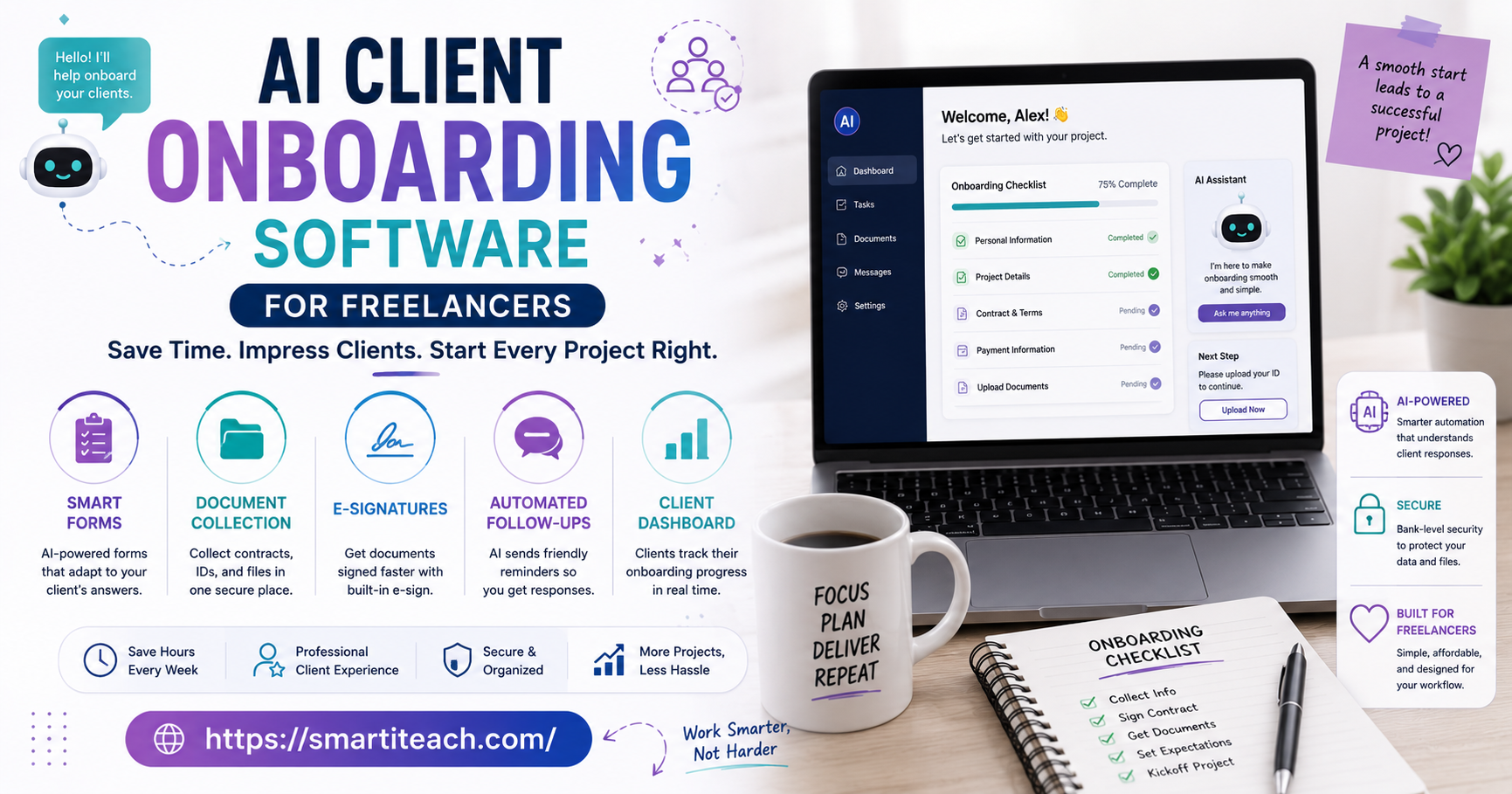

There’s a specific kind of tired that comes from onboarding a new client. Not the good tired. The other kind. Sending the same welcome email for the fourth time this month — tweaked slightly, though you can’t quite remember what you changed last time. Chasing a signed contract for two days straight. Explaining your process, again, to someone who probably won’t remember half of it by next week.
Freelancers rarely complain about the actual work. Ask around and you’ll hear the same thing — it’s everything around the work. The admin. The repetition. Re-explaining stuff that should’ve been settled before the project even started. Eleven back-and-forth messages just to get one contract signed. An intake form a client filled out halfway and abandoned.
That’s the gap AI client onboarding software is trying to fill. Some of it’s genuinely useful. A good chunk of it is a spreadsheet wearing a nicer outfit — same busywork, better font.
Here’s a real look — not a sales pitch — at what this software does, what’s worth your attention, and where a human still needs to be in the room. No vendor names, no “10 best tools” list. Just what actually matters when you’re the one running the business day to day.
What “AI Client Onboarding” Actually Means
The term gets thrown around loosely, so let’s pin it down. At the core, this kind of software handles the repetitive parts of bringing on a new client — welcome messages, contracts, intake forms, scheduling, initial project questions — and uses some form of automation, or genuine AI, to cut down how much of that a freelancer does by hand each time.
Some tools lean on plain automation. Fill out a setup once, and the same sequence fires every time someone new signs on. Others go further — drafting a personalized welcome based on a client’s answers, summarizing an intake call, flagging when someone’s responses suggest a different onboarding path is needed.
Truth is, “AI” in this space covers a wide range. On one end, a smart template system. On the other, something closer to an actual assistant reading and reacting to what a client says. Knowing which one you’re looking at matters way more than whatever label’s printed on the landing page.
The Actual Problem This Solves
Manual onboarding eats time in a way people underestimate constantly. It’s not one big task — it’s fifteen small ones. Send a proposal. Wait on a signature. Follow up. Set up a shared folder. Schedule a kickoff. Explain the same three things you always explain at the start of every project, word for word, again.
None of those are individually hard. Repeated across every new client, though? They quietly swallow hours a month — hours that could’ve gone toward billable work instead. Worse, they’re exactly the kind of task that gets half-forgotten under pressure, which is how a freelancer discovers three weeks in that a client never actually signed the updated contract.
AI onboarding software goes after this specifically — not the creative or client-facing part, the scaffolding around it. Done right, a new client goes from “just said yes” to “fully set up, ready to start” without the freelancer manually shoving every step forward themselves.
There’s a consistency angle too, easy to miss. A freelancer juggling five active clients plus two new ones this week is human. Humans forget things when stretched thin. A repeatable sequence — AI-driven or just well templated — means client number five this month gets the same setup quality as client number one. Not a slightly worse version because Friday hit and everyone’s tired.
There’s also a first-impression cost to getting onboarding wrong that doesn’t show up immediately. A client whose first two weeks feel disorganized tends to carry that impression through the entire project, even if the actual deliverable ends up great. Onboarding is, whether freelancers think about it this way or not, the client’s first real look at how the business runs.
What to Actually Look For
Plenty of onboarding tools shine in a demo, then turn out to be more hassle than they’re worth once you’re actually living with them day to day. A few things separate the useful ones from the flashy ones.
Customization that doesn’t require hiring a developer, for one. If building a new onboarding sequence eats an afternoon fighting the software instead of ten minutes, that’s not saving time. It’s just relocating the time cost.
Client-facing simplicity matters just as much as the freelancer’s side. Make a client create an account, download an app, navigate some confusing dashboard just to sign one document — that friction reflects on the freelancer, not the software vendor.
Real integration with tools freelancers already use — calendars, invoicing, e-signature, project management. Onboarding software that doesn’t talk to any of it just becomes one more disconnected system to babysit.
And actual AI, not a rebrand. Some tools slap “AI-powered” onto what’s really a static template engine. Worth checking whether the AI part does anything genuinely adaptive, or whether it’s automation wearing a trendier name tag.
Where AI Genuinely Adds Value
The useful AI features here tend to be quieter than the marketing copy suggests. Rarely dramatic. Small time savings, stacking up.
Auto-summarizing an intake call or long form response into a clean brief — that’s one of the more genuinely useful applications. Instead of re-listening to a recording, or scrolling through a wall of text a client typed at 11pm, a freelancer gets a tight summary of what’s actually needed. Saves real time, every project, not just once.
Personalized welcome messaging is another. Rather than the same generic “welcome aboard!” for every single client, AI can adjust tone or details based on intake answers — referencing their specific project or industry — without the freelancer rewriting it by hand every time.
Some tools flag inconsistencies too. A client mentions a tight deadline in one field, then picks a much longer timeline somewhere else. Catching that at the start beats catching it three weeks in, every time.
There’s a scope-clarity benefit sitting alongside that. A well-built intake, especially one using AI to catch vague or contradictory answers, can surface a mismatch between what a client thinks they’re getting and what was actually quoted — before either side sinks real time into a misunderstanding.
Where It Still Falls Short
None of this replaces the human parts of onboarding. Pretending otherwise tends to backfire fast. Clients can usually tell the difference between a message genuinely written for them and one generated then lightly personalized — even when the personalization is done well.
AI also isn’t great at reading what doesn’t show up in a form. A client sounding hesitant on a call. A question that hints they’re not totally sure what they’re paying for. Those moments need an actual human conversation, not an automated follow-up sequence quietly firing in the background.
There’s real risk in over-automating early contact until it feels impersonal, too. The first few interactions set the tone for the whole relationship. Automating paperwork? Fine. Automating the warmth that makes someone feel like they picked the right person? Different thing entirely — and easy to accidentally strip out chasing efficiency.
Reliability deserves a mention. Automated sequences misfire sometimes. A follow-up sent to the wrong client. A document generated with last year’s pricing. A scheduling link pointing at an old calendar nobody uses anymore. None of these are dealbreakers on their own, but they erode trust fast if nobody’s periodically checking the machine is actually doing what it’s supposed to.
A Reasonable Way to Actually Use It
Freelancers who get the most out of this stuff use it for scaffolding, not relationship-building. Contracts, scheduling, intake forms, document collection, initial summaries — fair game, all of it. The actual kickoff conversation, the tone of that first real message, the moments a client needs reassurance instead of a form? Those stay human.
A decent rule of thumb: automate the parts a client won’t remember later, stay personally present for the parts they will. Nobody remembers exactly how their paperwork got processed six months from now. They absolutely remember whether the freelancer they hired felt genuinely there from day one.
Worth checking in on the automated sequence periodically too, rather than setting it up once and forgetting it exists. Client needs shift. Services get added or dropped. An onboarding flow left untouched for a year starts referencing things that quietly stopped being true a while ago.
Signs a Freelancer Is Ready for This Kind of Tool
Not everyone needs onboarding software right away. Taking on one or two clients a month? A solid template and a personal touch will probably outperform any software — there isn’t enough repetition yet to justify setting it up.
The tipping point tends to show up around consistent volume. Enough new clients monthly that onboarding admin becomes a noticeable drain, or enough that small inconsistencies start slipping through because there’s simply too much happening to track by hand anymore.
Type of work matters here too. Freelancers running a fairly standardized process — same handful of service packages, similar contracts each time — get more mileage out of onboarding automation than someone doing highly custom, one-off work where every client relationship looks nothing like the last one.
The Bigger Picture
AI client onboarding software isn’t magic. It’s not replacing the judgment, warmth, or flexibility that makes a freelancer good at working with actual people. What it can genuinely do is take the repetitive, forgettable parts of getting a new client set up and handle them consistently — freeing up time and headspace for the parts of the work that actually need a human.
The freelancers who benefit most aren’t chasing every new AI feature that drops. They’re the ones who look honestly at where their onboarding wastes time, pick a tool that solves that one specific problem, and keep the human parts of the relationship exactly where they belong. With them. Not with the software.
If there’s one test worth applying before adopting anything in this space, it’s this: would a client notice the automation, or would they just notice that things felt smooth? The tools worth keeping tend to disappear into the background. The ones worth dropping tend to announce themselves.




[…] follow natural divisions rather than trying to account for every possible edge case. A “Product” folder probably only needs “Specs,” “Design,” and […]