
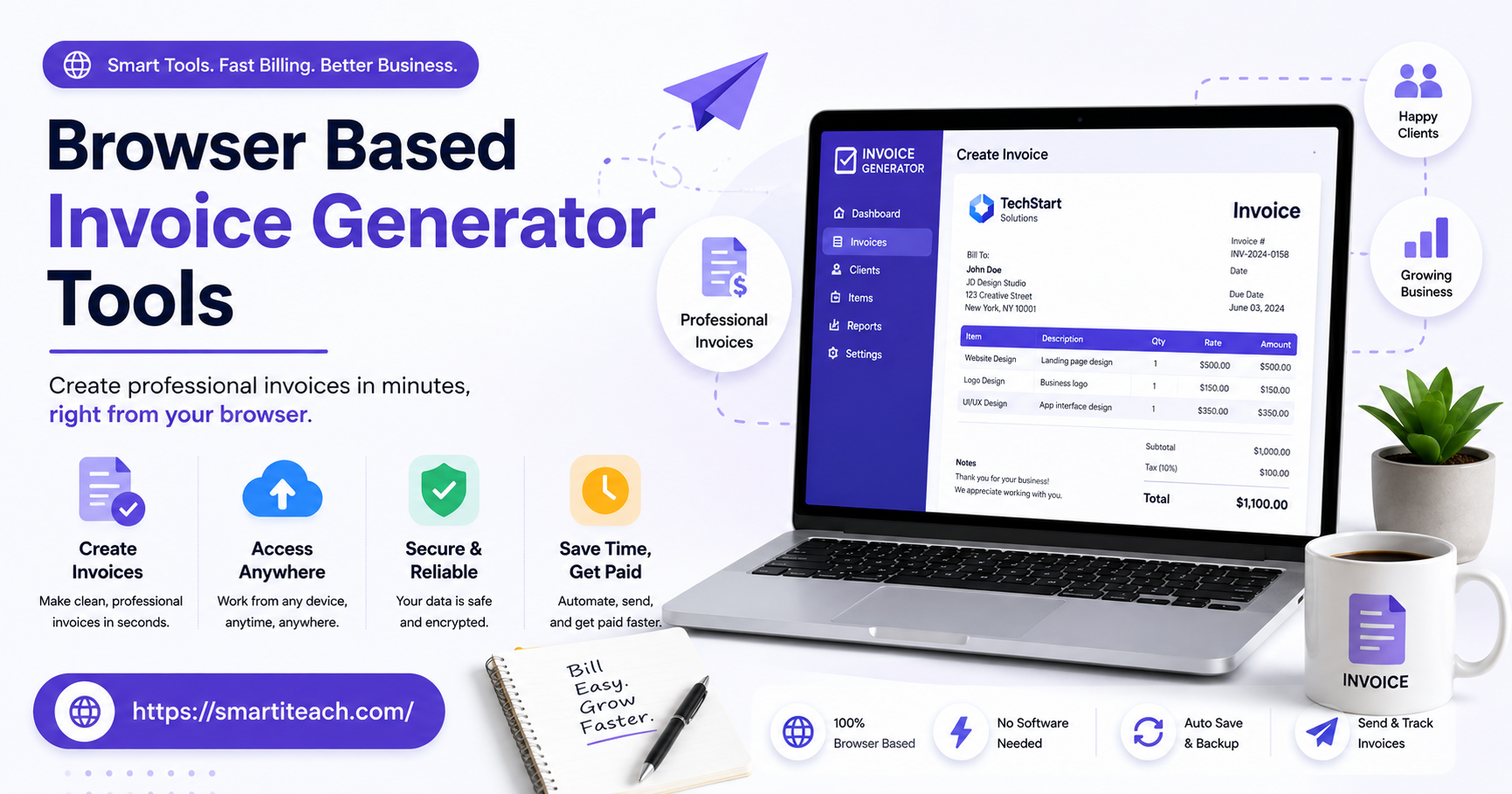

Nobody starts a business because they love making invoices. And yet here we are — chasing down a client’s billing address, double-checking a tax rate, staring at a blank Word doc wondering why the columns won’t line up. It’s a small task that somehow eats a disproportionate chunk of the day.
That’s the gap browser based invoice generator tools fill. No install, no license key, no “which version do you have” back-and-forth with a client’s accountant. You open a tab, type in the numbers, hit send. Done before your coffee gets cold.
Below are eight tools worth your time, what each one actually does well, and how to figure out which one fits your business instead of the other way around.
Why Bother With Browser-Based Invoicing
If you’ve ever emailed a client a hand-formatted spreadsheet and cringed a little doing it, you already know the answer. But there’s more to it than looks.
You can work from anywhere. Laptop at home, tablet on a job site, phone in a parking lot after a meeting — same account, same invoices, no syncing headaches.
Nothing to maintain. Tax brackets shift, currency symbols change, template trends move on — a cloud tool just keeps up in the background while you keep doing your actual job.
And clients notice. A clean, branded invoice signals a business that has its act together. A plain text email with “$450, thanks” typed at the bottom does not send the same message, even if the number’s identical.
What Actually Matters in an Invoice Tool
A lot of these platforms call themselves “invoice generators” and then barely do the job. Before picking one, check for the basics:
- Templates you can actually customize — logo, colors, layout, not just a font swap
- Math that does itself — tax, discounts, totals calculated automatically
- Multi-currency support — non-negotiable if you bill clients overseas
- Built-in payment collection — the fewer steps between “invoice sent” and “money in bank,” the better
- Recurring billing — for retainer clients, you shouldn’t have to rebuild the same invoice every month
- Clean PDF export — still the format clients expect
With that out of the way, here’s the lineup.
1. Invoice Ninja
Generous free tier, real customization, and it doesn’t fall apart the moment you need something slightly unusual — different tax rules per client, say, or a quote that later converts into an invoice. There’s a bit of a learning curve at first, but it pays off once you’re past week one.
Best for: freelancers who want invoicing and light bookkeeping without paying for two separate tools.
2. Wave
Wave’s whole pitch is “free accounting software that doesn’t feel like a downgrade,” and the invoicing side holds up that promise. Unlimited invoices, payment tracking, card payments built right in — and you only pay when money actually moves through the platform.
Best for: small businesses who want invoicing wired directly into their bookkeeping.
3. Zoho Invoice
Makes the most sense if you’re already living inside Zoho CRM or Zoho Books — everything talks to everything else. Templates look sharp without tweaking, and multi-language invoices are a nice touch if you work with clients outside your home country.
Best for: teams already committed to the Zoho ecosystem.
4. Bonsai
Built for freelancers specifically, not adapted for them. Contracts, proposals, time tracking, and invoicing all live in one place, and you can generate an invoice straight from a signed contract instead of retyping the same numbers twice. Late payment reminders go out automatically, which quietly saves you from writing that awkward “just following up” email.
Best for: solo freelancers who want client management handled end to end.
5. FreshBooks
Feels less like an invoice generator and more like accounting software that happens to invoice well. Clients can pay through several methods right from the invoice, time tracking feeds straight into billing, and the outstanding-payments report gives you a real read on cash flow without opening a spreadsheet.
Best for: consultants and agencies billing by the hour.
6. Invoicely
No learning curve, no fuss. The free tier covers the basics, and paid tiers add recurring billing and support for multiple businesses under one login — genuinely handy if you’re juggling a side project alongside your main gig.
Best for: owners running more than one small business at a time.
7. PayPal Invoicing
If your clients already pay you through PayPal, this skips a whole extra platform. The templates won’t win design awards, but the invoice-to-payment pipeline is as direct as it gets.
Best for: businesses already built around PayPal.
8. Invoice Simple
Does exactly what the name says and nothing more. Fill in a form, get a clean PDF, move on with your day. No dashboard, no upsells, no features you’ll never touch.
Best for: occasional invoicing without committing to a subscription.
Picking the Right One
Honestly, it comes down to how often you bill and how complicated those invoices get. A handful of straightforward invoices a month? Invoice Simple or PayPal Invoicing will do the job and cost you nothing extra. Retainer clients, recurring charges, expenses to track alongside the billing? That’s when FreshBooks, Wave, or Invoice Ninja start earning their keep.
Worth asking yourself:
- How many invoices actually go out each month?
- Are clients paying in different currencies or through different methods?
- Is billing recurring, or is every invoice a one-off?
- Would folding invoicing into bookkeeping actually simplify things, or just add complexity?
Pick based on your actual billing habits, not the tool with the most checkboxes.
Mistakes Worth Avoiding
Even a good tool won’t save you from a few habits that quietly undercut how professional an invoice looks.
Leaving off payment terms is a common one — put the due date and accepted payment methods right on the invoice, don’t make the client ask.
Skipping sequential invoice numbers seems harmless until tax season, when you’re trying to reconcile a year’s worth of billing. Most tools number invoices automatically — just make sure that setting’s actually on.
And if you’re not sending follow-ups on late payments, you’re leaving money on the table. Bonsai and FreshBooks both automate this, so you don’t have to be the one writing an awkward reminder email.
Cash Flow Isn’t Usually a Client Problem
Most cash flow trouble doesn’t come from a shortage of clients — it comes from billing late or inconsistently. A browser-based tool fixes this less through any single feature and more by making invoicing fast enough that you actually do it right away, instead of telling yourself you’ll batch it Friday.
Automatic reminders matter more here than people expect going in. A polite nudge that fires off three days after a due date does the chasing for you, and most tools include this without extra setup.
And the faster you invoice, the faster you get paid — a freelancer who waits until month-end to send everything out is effectively delaying their own paycheck by weeks, for no real reason.
A Word on Security
Client names, project details, sometimes payment info — all of it passes through a third-party platform the moment you invoice online, so it’s worth a second look before you commit to one.
Look for encryption both in transit and at rest — the decent platforms are upfront about this rather than burying it in a terms page. Two-factor authentication is worth turning on too, especially once you’re handling bigger invoice volumes or higher-value clients.
If you’re in legal, healthcare, or anything adjacent, check the platform’s compliance with data protection rules for your industry before you fully switch over.
Invoicing From Your Phone
Not everyone bills from a desk. A contractor wrapping up a site visit, a consultant walking out of a client meeting — sending the invoice on the spot beats waiting until you’re back at a laptop.
Most of these tools work fine in a mobile browser, and a few have dedicated apps that make it smoother. Before committing to any of them long-term, actually try it on your phone — a tool that’s great on desktop but clunky on mobile defeats half the point.
Final Thoughts
Billing shouldn’t be the hardest part of running your business. Try one or two of these, send a few real invoices through each, and pay attention to which one disappears into the background of your workflow instead of adding to it. That’s the one worth keeping.



[…] card layout means you’re scanning visual tiles instead of a plain list, which makes it a lot faster to spot the note you’re actually […]
[…] shared address book rather than a sales machine with quotas attached. Fits well if the word “pipeline” makes you wince a little, if that’s just not the language of how you deal with […]
[…] they wrote all this down nine steps, welcome message through first milestone check-in — nothing fancy, just a shared doc anyone on the team could follow without […]