
You know the feeling. Unplug at 100%, leave the house, and by lunch you’re already scanning the room for an outlet like your life depends on it. That’s usually sign number one. Rarely the only one though. Most people just ignore everything else until the phone’s basically dead weight in their pocket.
Batteries don’t quit all at once. It’s slow. Quiet. Easy to blame on “the phone just feels off lately” for months before you finally admit, yeah, it’s the battery. Should’ve caught this ages ago. Here’s what to actually watch for, and why each one happens.
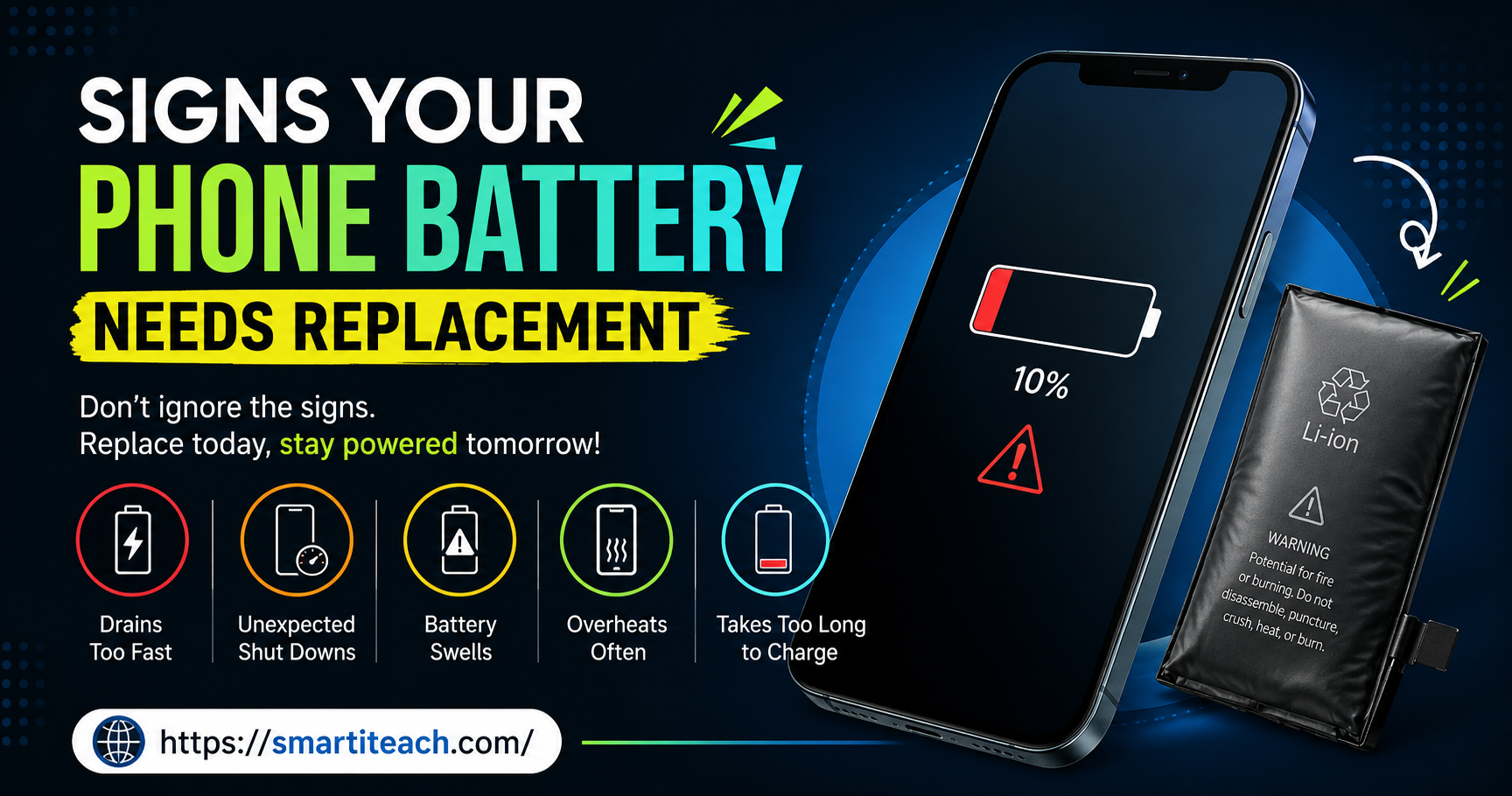
Draining Way Faster Than It Used To
The obvious one. Hardest to miss too. A phone that used to survive a full day now can’t make it past 2pm, and you haven’t changed a single thing about how you use it.
Lithium-ion is what’s inside pretty much every phone made in the last decade, and it only has so many charge cycles in it before capacity starts shrinking for real. Quick thing people get wrong, a cycle isn’t one full 0-to-100 charge. It’s any combination of partial charges that add up to one. Do that enough times and the battery physically cannot hold what it used to. Not a software glitch. Just chemistry, wearing down the way chemistry does.
Plugging in three times a day now when once was plenty a year ago? Not in your head. Check battery health in settings, most phones have it buried in there somewhere. Dropped into the low 80s or under? There’s your answer.
Worth saying too, this drain doesn’t hit evenly. You’ll notice it most on the days you actually push the phone, navigation running, music streaming, a couple hours of scrolling. A healthy battery shrugs that off. A worn one falls off a cliff by mid-afternoon, and that gap between “should still have plenty left” and “somehow already at 15%” tends to get wider every month you put off dealing with it.
Shutting Off Randomly, Even With Charge Left
Worse than the drain, honestly, because it comes out of nowhere. Screen says 30%. Phone dies anyway. Sometimes it won’t even turn back on until it’s plugged in.
Here’s what’s happening under the hood, a worn battery can’t always push power out steadily, especially the second something demanding kicks in, full brightness, a heavy app, whatever. The percentage on your screen gets less trustworthy the more the battery’s degraded, because the software’s guessing based on voltage, and a worn battery’s voltage behaves less predictably than a fresh one.
One random shutdown, fine, could be a fluke. Happening more than once? That’s not a fluke anymore. That’s the battery telling you straight up it can’t be relied on. And it always seems to happen at the worst moment too, mid-call, mid-directions, never when it’s convenient.
Running Warm Doing Basically Nothing
A little heat during a long video call, sure, normal, batteries and chips generate heat under load. Not normal, a phone that’s warm just sitting in your pocket doing nothing, or heats up scrolling through texts.
A degrading battery generates more heat than it should, partly because it’s less efficient, partly because internal resistance climbs as the thing ages. Uncomfortable, yeah. Also a little bit of a safety issue honestly, since batteries that keep overheating are more prone to swelling, and in rare cases, worse than swelling.
Phone running hot doing stuff that never used to make it warm? Don’t shrug that one off. Worth a quick check too, whether the heat’s actually coming from the battery or just a background app going haywire, closing everything running and seeing if it cools down helps rule that out before jumping straight to “battery’s failing.”
The Back Looking Slightly Puffed
This is the sign people miss for the longest stretch, because it creeps up slowly, and by the time it’s obvious the battery’s usually already in bad shape.
Swelling is exactly what it sounds like. The battery physically expands, pushes against whatever’s around it from the inside. Easier to catch on phones with removable backs. On sealed modern phones, the tell is usually a screen lifting slightly at the edges, or a back panel that stopped sitting flush in your case the way it used to.
Not just an inconvenience, this one. Genuine safety issue. Deal with a swollen battery soon, not eventually, the risk climbs the longer it sits.
Charging Takes Forever Now
Used to hit full charge in ninety minutes. Now it’s closer to three hours, same cable, same charger, nothing’s changed on that end.
As batteries age, internal resistance goes up, and that makes charging less efficient across the board. Some of that incoming energy just turns into heat instead of actually charging anything, which is also part of why a worn battery runs warmer while plugged in. Ruled out a bad cable already and it’s still slow? Battery’s the likely culprit. Worth testing with a different cable and outlet first though, before writing off the battery entirely, since a worn-out cable causes almost the exact same symptom and costs a lot less to fix.
Battery Percentage Jumping Around for No Reason
Phone says 40%. Ten minutes later, barely touched it, suddenly it’s at 25%. Or it sits frozen at one number forever and then drops five percent in one go.
The phone’s estimating that number based on voltage and usage patterns, and a worn battery just behaves less predictably, which throws the whole estimate off. It stops being a real measurement at that point and starts being more of a rough guess.
Easy one to dismiss as a random glitch. But if it keeps happening, it’s usually pointing at the same root cause as everything else here.
Phone Feels Slower Than It Should
The sign people blame on the wrong thing most often. Everything just feels a little behind, apps take a beat too long, and the assumption is always “phone’s getting old” or “needs an update.”
Sometimes, sure. But a degraded battery struggling to push out steady power can also make the phone deliberately throttle itself, slowing down on purpose to avoid an unexpected shutdown. It’s a safety feature more than a flaw, but it means a battery problem can disguise itself as a totally different problem if you’re not looking for it.
Phone suddenly sluggish with no obvious software reason? Check battery health before assuming the whole device is done.
Actually Checking Battery Health
Buried in settings on most phones now, under battery or general info somewhere, a percentage comparing current max capacity to what it was new. Comfortably above 85%, you’re fine day to day. Drops into the 70s or lower, everything above starts showing up more, and more noticeably.
Worth a glance every few months. Not obsessively. Just enough that you catch it early instead of waiting for the phone to basically give out before going looking for a reason why.
Different phones bury this in different places, some show it as a straightforward percentage, others hide it a layer deeper under a “battery health” or “maximum capacity” label. Either way, it’s usually there if you go looking, and it takes maybe thirty seconds to check once you know where to tap.
What Actually Wears Batteries Down Faster
A handful of habits speed this up more than people realize. Sitting at 0% or 100% for long stretches isn’t great, batteries age better somewhere in the middle most of the time. Heat’s a bigger deal though, leaving a phone in a hot car or baking in direct sun does more damage than almost anything else people do without a second thought. Cheap or damaged cables can cause uneven power delivery too, which wears things down faster than it should.
Doesn’t mean obsess over every charge. Just explains why two identical phones, same age, can have wildly different battery health depending on how they were treated.
Replace the Battery, or Just Replace the Phone
The actual decision most people are trying to make once they notice any of this. Phone’s otherwise fine, camera’s good, screen’s fine, storage’s not an issue? Replacing just the battery is way cheaper than a new phone, and it genuinely buys the device more life.
Phone’s already a few years old and struggling elsewhere too, slow chip, software support running out soon? A new battery might buy a year. Worth weighing that against just moving on. No universal right answer, depends entirely on the phone and what you actually want out of it.
Cost usually settles it for most people, reasonably so. A battery swap through a repair shop or the manufacturer costs a fraction of a new phone. Easy math when the phone’s otherwise in decent shape. Gets murkier once the phone’s already showing its age everywhere else, at that point a new battery’s just delaying a decision you’ll make eventually anyway.
One thing worth checking before booking a repair, whether the phone’s still under any kind of coverage or warranty that includes battery service. Some manufacturers replace batteries for free or close to it if the health has dropped below a certain threshold within a set window after purchase. Costs nothing to check before assuming you’re paying full price out of pocket.
Final Thoughts
A dying battery rarely just announces itself. It’s a handful of small annoyances stacking up over weeks, faster drain, the occasional random shutdown, a phone running warmer than it used to, charging that drags on way longer than it should. Any one of those alone, could be nothing. More than one showing up around the same time, that’s usually the battery telling you it’s done.
Catching it early’s mostly just paying attention. Checking that health number once in a while instead of waiting for the phone to die mid-something-important with zero warning. Small habit. Saves you from the worst version of this whole thing.
And if you’re already nodding along to two or three of these while reading, that’s usually the point where waiting stops making sense. Doesn’t have to be dramatic, doesn’t have to happen today. Just worth actually doing something about instead of letting it become one more thing you’ve been meaning to deal with for the last six months.
SEO Slug: signs-your-phone-battery-needs-replacement
SEO Title: Signs Your Phone Battery Needs Replacement: What to Watch For
Meta Description: Wondering if it’s time for a new phone battery? Here are the clearest signs your phone battery needs replacement before it fails completely.
Tags: phone battery replacement, battery health, phone battery drain, swollen battery, phone charging problems, battery degradation, smartphone battery life, replace phone battery, phone battery signs, mobile battery care