
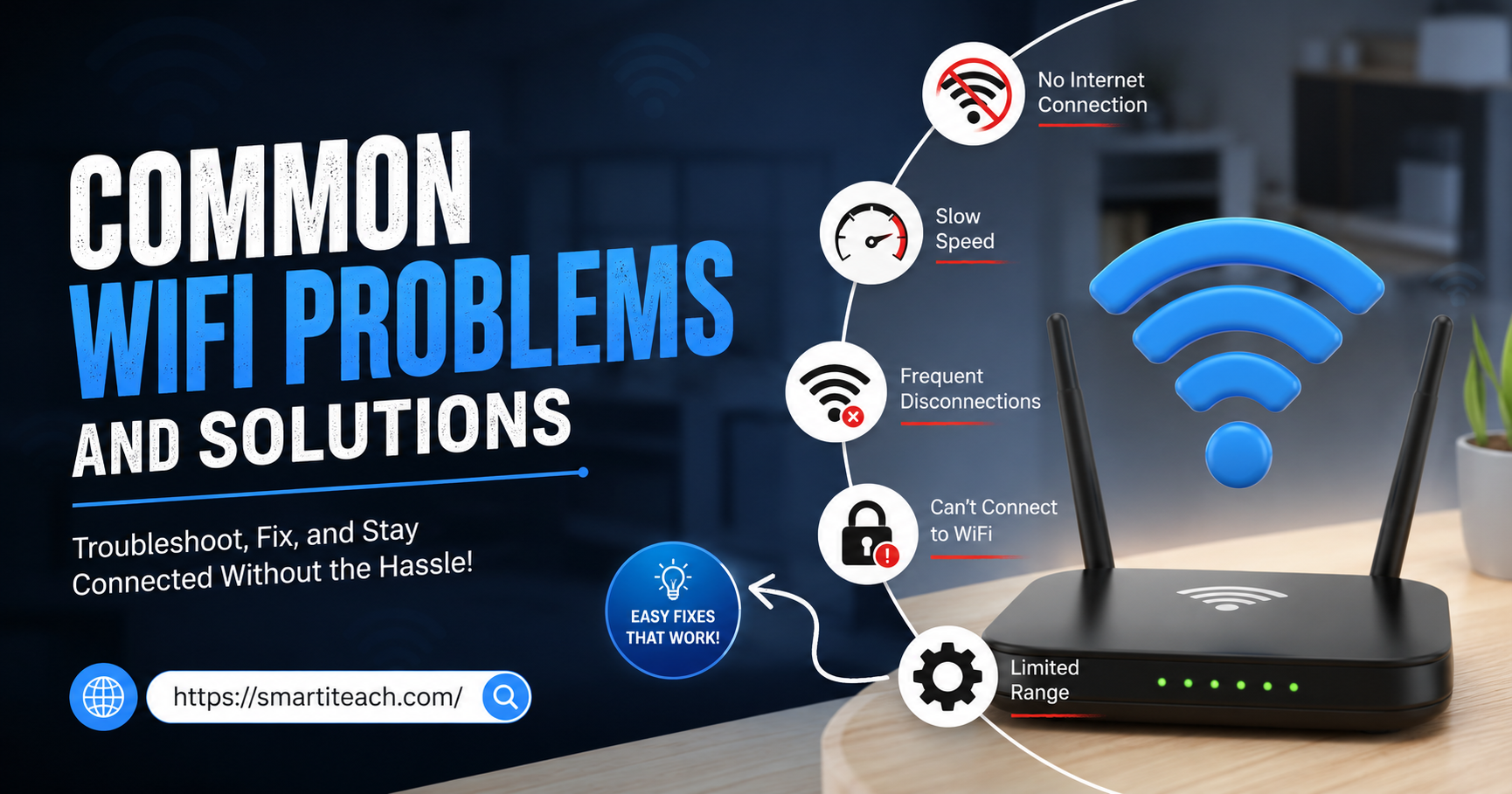

There’s a specific kind of annoyance that comes from watching a loading circle spin while you’re already late for a meeting. Or a movie freezing right at the good part. WiFi trouble doesn’t discriminate, it happens in old apartments and brand new houses, on cheap routers and expensive ones. What usually changes is how quickly someone figures out the fix versus how long they just live with it.
This isn’t a technical manual. It’s a walk through the WiFi problems that actually show up in real homes, what tends to cause them, and what tends to fix them.
Slow WiFi Speed
Slow is the most common complaint there is. Pages crawl, videos buffer, and the download that should take two minutes takes twenty. The frustrating part is that it’s rarely one single cause. Usually it’s a pile-up: too many devices connected, a router tucked away somewhere it can’t breathe, and firmware that hasn’t been touched since the day it was installed.
Start simple. Restart the router, actually unplug it for thirty seconds rather than just switching it off and on. Then look at how many devices are quietly connected in the background, old tablets, smart plugs, a phone nobody’s used in months. Disconnect what you don’t need. If the router’s crammed into a cabinet or behind a TV, pull it out into the open, it needs room to actually push a signal.
Worth running a speed test too, just to see whether you’re even getting what you’re paying for. Plenty of people never check, and end up assuming their internet is “just slow” when really the plan itself hasn’t kept up with how many people in the house are online at once.
There’s also the band question. Most modern routers broadcast on two frequencies, 2.4GHz and 5GHz, and a lot of people don’t realize their devices might default to whichever one, not necessarily the faster one. If you’re near the router, switching to 5GHz usually gives a real speed boost. It won’t reach as far through walls, but for anything close by it’s worth the switch.
WiFi Doesn’t Reach Certain Rooms
Signal in the living room, dead zone in the bedroom. This one’s less about the router itself and more about what’s standing in the way of the signal, walls, floors, anything metal.
Central placement fixes a surprising amount of this. Not always possible, sure, but even moving the router one room over can change things. If the house is big or oddly shaped, a mesh system spreads coverage a lot more evenly than one router trying to do everything alone. An extender is the budget version of the same idea, not perfect, but it helps.
Older homes with brick or concrete walls lose signal fast, faster than most people expect. If that’s your situation, don’t be shocked if one router just isn’t enough no matter where you put it.
Random Disconnections
The connection drops, then comes back a few seconds later, then drops again an hour after that. It’s the kind of problem that’s hard to diagnose because it doesn’t happen consistently.
Firmware is the first thing to check, most routers have a way to see this either through an app or by logging into the router’s settings page in a browser. Second, heat. A router running hot behind closed cabinet doors is a router that’s going to randomly reboot itself. Give it space.
If it’s happening on every device at the same time, the issue is the router or the incoming line. If it’s just one device dropping while everything else stays connected fine, stop blaming the network and look at that device instead.
Can’t Connect to WiFi At All
Password typed in correctly, network showing up, and still nothing. It happens more than people admit, usually because of a typo somewhere in the password (capital letters are the usual culprit) or because the router’s simply hit its limit on connected devices.
Forget the network entirely on the device and reconnect from scratch instead of retrying the same failed attempt over and over. Restart both sides, the device and the router. And check how many devices are already connected, older routers especially tend to choke once that number climbs too high.
One thing people overlook is whether the router recently changed its network name or password without them realizing, some ISPs push updates that reset settings back to factory defaults. If a device that used to connect fine suddenly refuses, that’s worth ruling out before assuming something’s broken.
Some Devices Connect, Others Don’t
Phone connects fine. Laptop too. But the smart TV in the living room just refuses, no matter what.
This usually comes down to age. Older devices don’t always support newer WiFi standards or security settings that current routers use by default. If the router broadcasts both a 2.4GHz and 5GHz band, try switching the stubborn device over to 2.4GHz, older hardware tends to get along with it better. An ethernet cable solves it instantly if the device has a port, worth remembering for anything that sits in one place anyway, like a TV or a game console.
Weak Password or Someone Riding Your Network
Not every WiFi problem is about speed. Sometimes it’s the realization that your network isn’t as locked down as you assumed.
Default passwords are weak by design, and a lot of routers still have them because nobody ever got around to changing it. Set something stronger, mix of letters, numbers, symbols. Then log into the router and check the connected devices list, anything unfamiliar in there is worth a second look. If WPA3 is available, turn it on. And don’t forget the router’s admin login itself, that matters just as much as the WiFi password, maybe more, since it’s what controls everything else.
Router Overheating
A router that’s hot to the touch, or one that restarts itself randomly throughout the day, is telling you something. These things run nonstop, and shoved into a closed cabinet with no airflow, heat builds up fast.
Give it open space. Skip stacking other devices on top of it. Dust the vents once in a while, it collects more than you’d think and traps heat. And if it’s five or six years old and still struggling despite all this, it might just be worn out.
It’s a small thing, but the room itself matters too. A router sitting near a window in direct sunlight all afternoon runs hotter than one in a shaded, open spot. Nothing dramatic needs to change, just enough airflow and enough shade to keep it from cooking all day.
Buffering While Streaming or Gaming
Right at the worst possible moment, mid-episode or mid-match, everything freezes. Streaming and gaming both need a steady connection more than they need a fast one, so any small dip shows up immediately, unlike casual browsing where a slowdown might go unnoticed.
If the router has Quality of Service settings, use them, they let you prioritize whatever device is streaming or gaming over everything else on the network. Ethernet beats WiFi here every time if it’s an option. And check whether someone else in the house is mid-download of something huge, that alone can tank the connection for everyone else.
Good Some Days, Terrible on Others
No changes made, nothing different, and yet some days it’s smooth and other days it’s a mess. Feels random. Usually isn’t.
More often than not this traces back to your provider’s network load at certain times of day, or interference from neighboring networks that shifts depending on when everyone else is online. Pay attention to the pattern, if it’s always around the same hours, that points to peak-time congestion rather than anything wrong on your end. Switching channels can help cut down on the interference piece. Beyond that, it’s a conversation worth having with your provider directly.
Old Router, Outdated Hardware
Sometimes nothing’s actually broken, the router’s just old. Technology moves fast enough that a router bought five years ago might not keep up with how many devices are connected now or what speeds are available now.
Past that five year mark with recurring problems despite everything else being tried, it’s probably time to replace it. Look for something that supports WiFi 6 if the budget allows, it handles multiple devices far better than older standards do. And make sure whatever gets bought actually matches the internet plan’s speed, otherwise it’s money spent on speed that’ll never actually show up.
Trading in an old router isn’t always about problems either. Households add devices constantly, smart speakers, doorbells, extra laptops, and a router built for a handful of connections years ago just wasn’t designed for the load it’s carrying now. Sometimes the upgrade is less about fixing something broken and more about catching up to how the house actually uses the internet today.
Keeping It From Happening Again
A handful of small habits catch most of this before it becomes a problem. Restart the router now and then. Keep the firmware updated. Don’t let devices stay connected that aren’t being used. Check the connected devices list every so often.
It also helps to actually know the router’s login page, most have one accessible through a browser, where all of this can be checked and adjusted directly. Ten minutes in there every couple of months catches small issues before they turn into the kind that actually ruin your day.
Final Thoughts
WiFi problems happen to basically everyone eventually, there’s no getting around that. What matters is knowing that most of them come down to a short list of causes, and most fixes take minutes rather than a service call. A restart, better placement, an updated password, or occasionally just a new router solves the majority of what people run into.
If none of it works after genuinely trying, that’s usually a sign the problem sits with the provider rather than the home network, and it’s worth reaching out to them directly at that point. Line issues, outages in the area, or outdated equipment on their side can all cause symptoms that look exactly like a home network problem, even when nothing at home is actually wrong. There’s no harm in asking, and it saves the trouble of chasing a fix that was never going to work in the first place.




[…] sorting individual accounts, set up the shared stuff first. Wifi, streaming, the family calendar login, shared shopping accounts. Honestly this is usually the most useful part […]
[…] else on the same network. A VPN encrypts your traffic so that even if someone’s watching that network, what they see is scrambled and […]