
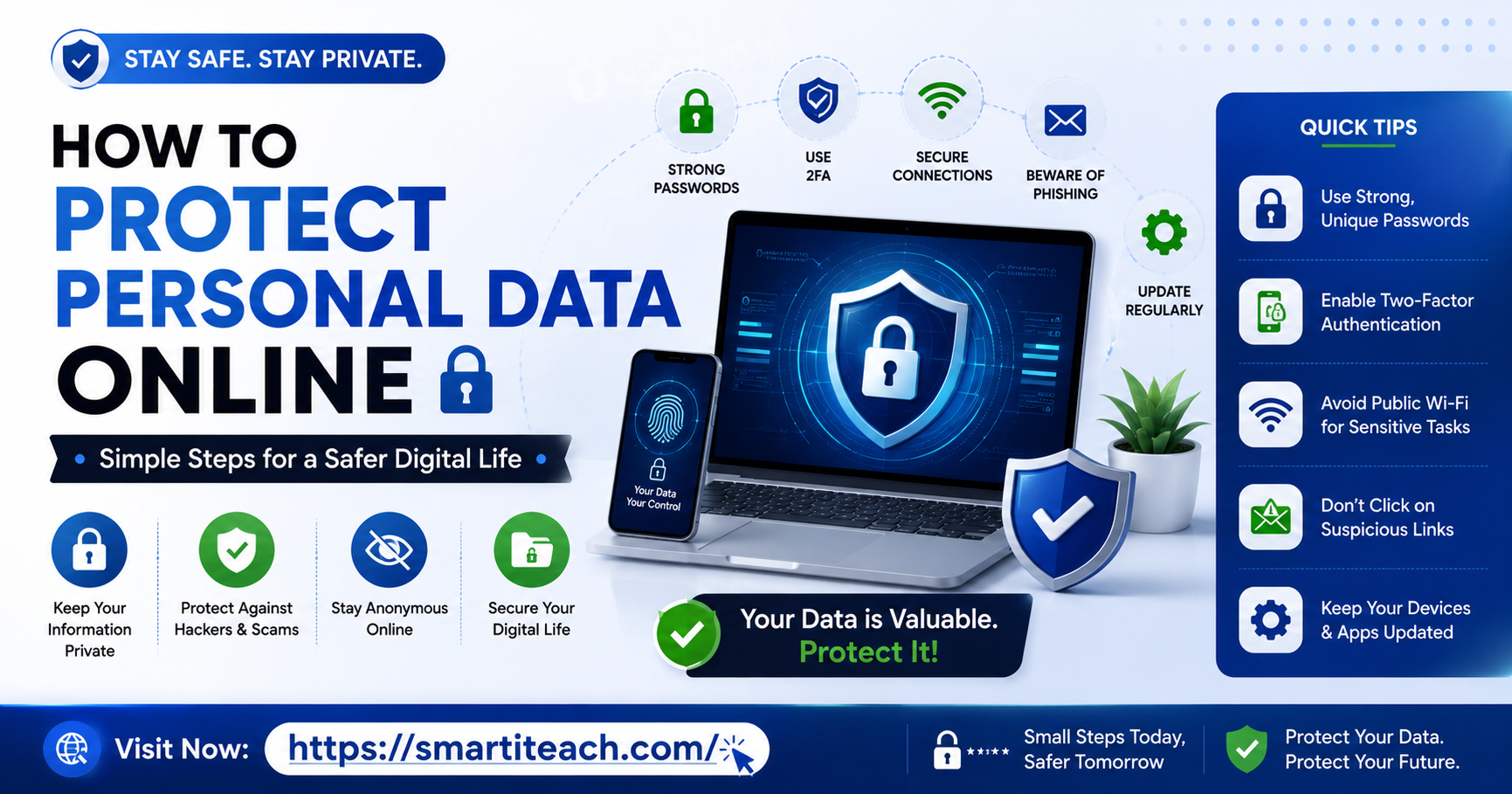

You’ve had that little moment before, right. You mention something out loud near your phone, and an ad for that exact thing shows up an hour later like it was listening. Or you get one of those emails saying your info turned up in “a data breach” from some service you genuinely don’t remember signing up for eight years ago. And you just sit there thinking, how much of my actual life is floating around out there, being touched by people I’ve never met and never will.
That reaction’s not paranoia. It’s just a normal response to how things actually work now. But the fix isn’t deleting every account and tossing your phone in a river somewhere. It’s a handful of habits, most of them a few minutes each, that genuinely cut down how exposed you are without turning your whole life into a chore.
This one’s staying focused on exactly that. Protecting personal data online. Not general tech tips, not phone speed stuff, just this.
What “Personal Data” Actually Covers
Worth being clear on this before jumping into fixes, because people picture something dramatic, like hackers pulling bank details out of thin air, when honestly most personal data exposure is way more boring and way more constant than that.
Your personal data is your email, your phone number, your home address, your birthdate, your browsing habits, your location history, your shopping patterns, and sure, sometimes your financial info too. Some gets stolen outright in breaches. A lot of it, though, you just hand over yourself, one signup and one app permission at a time, without thinking much about where it lands or who ends up looking at it later.
That second bucket is where most of the real improvement actually lives. You can’t control what happens after some company you trusted gets breached. You absolutely can control how much you’re handing out in the first place, though.
Get a Password Manager, I Mean It
Yeah, this shows up in literally every article like this ever written. There’s a reason for that. It’s the single biggest thing you can do, and it takes maybe fifteen minutes total to set up.
Reusing one password across sites means a breach anywhere turns into a breach everywhere. A password manager lets you run a different, genuinely random password on every account you’ve got, without having to remember a single one of them yourself. Free options, Bitwarden or Proton Pass, cover this completely for regular personal use, no upgrade needed at all.
This one habit alone does more for your actual safety than basically everything else combined on this list. If you take one thing away, take this one.
Turn On Two-Factor Authentication Wherever It Exists
A password by itself is one lock on one door. Two-factor adds a second lock, usually a code that lands on your phone or gets generated by an app, so even if someone’s got your password from some breach somewhere, they’re still stuck at the door.
Go through your important stuff, email first since it’s basically the master key that resets everything else, then banking, then social media, and turn this on wherever it’s offered. Usually buried under Security or Privacy. Adds two seconds to logging in and it’s one of the biggest walls you can put up.
Stop Handing Out Location Data Without Realizing It
Most apps ask for location the first time you open them, and most of us just tap Allow because the popup showed up and we wanted it gone. But a lot of apps don’t need your location constantly, they just want it, which is a completely different thing.
Dig into your phone’s settings, find Location or App Permissions, and go down the list. Anything that’s not maps or navigation, “While Using the App” is usually more than enough, and denying location outright is completely fine for a huge chunk of apps that have zero actual reason to know where you are.
This matters more than it seems, since constant location data, stitched together over time, builds a scary accurate picture of where you live, where you work, your daily routine. Not really something you want sitting in some company’s server indefinitely.
Be Skeptical of What You’re Actually Handing Over
Every account you make somewhere is you handing over data, and a lot of sites ask for way more than they actually need to function. A newsletter doesn’t need your birthday. A random little app doesn’t need your contacts list to work properly.
Before you hit submit on a signup form, glance at what’s actually required versus what’s optional. Optional fields exist because the company wants extra data for marketing or reselling, not because the service breaks without it. Skip those whenever you can.
Same logic on app permissions. If a flashlight app is asking to access your contacts and your microphone, that’s worth pausing on, not just tapping through on autopilot.
Use a Separate Email for Random Sign-Ups
Sounds like extra work, but it genuinely pays for itself. Keep your main email for people and services you actually trust. Use a different one, or better, an alias, for random signups, one-off purchases, anything you’re not totally sure about.
A few password managers and privacy-focused email services now have built-in aliasing, meaning you can generate a fake-but-working email on the spot that forwards to your real inbox. Random store’s database gets hit later, or starts selling your info off? Kill the alias. Your real email never got touched, and you don’t have to go change it everywhere else.
Google Yourself Once in a While
Every so often, search your own name and see what pops up. An old social post set to public, a forum account from a decade ago with your real name attached, one of those people-search sites that’s scraped your address and phone number from public records and is now selling it to whoever pays.
Most of those people-search and data broker sites have an opt-out process buried somewhere in the footer. It’s tedious, honestly, there are dozens of these things and each has its own removal steps, but going through the biggest ones once or twice a year genuinely cuts down how easily searchable your info is.
Worth glancing at your social media privacy settings periodically too. Platforms have a habit of quietly resetting defaults after big feature updates, so something you locked down a year back might’ve drifted open again without you noticing.
Be Careful on Public Wi-Fi
Coffee shop or airport wi-fi’s convenient, sure, but it’s a shared network, and depending how it’s set up, other people on it can potentially see some of your traffic. Doing your banking or typing anything sensitive on open public wi-fi isn’t a great idea.
If you’re on public networks a lot, a VPN throws a layer of encryption between your device and the internet, making it a lot harder for anyone else on that network to see what you’re actually doing. Doesn’t need to be an expensive one either, a bunch of solid providers have free tiers that cover casual use just fine.
Watch for Phishing, It’s Gotten Way More Convincing
A huge chunk of personal data theft isn’t some elaborate hack at all, it’s just someone getting tricked into handing it over. A text that looks like it’s from your bank, an email that’s a near-perfect copy of a shipping notification, a link that looks almost, but not quite, like a site you actually use.
The tell’s usually in the details, not the overall look. Check the actual sender address, not just the display name sitting on top of it. Hover over links before clicking to see where they really point. And if something’s pushing urgency, act now or something terrible happens, that pressure itself is the red flag, since real companies rarely operate that way.
When you’re not sure, don’t click anything in the message at all. Open your browser separately and go straight to the actual site or app yourself to check whatever it claimed needed attention.
Watch What You Post, Even the Small Stuff
Not about being secretive for its own sake. It’s that small, harmless-looking posts stack up into a bigger picture over time than people realize. Your pet’s name, your first car, your mom’s maiden name — these show up constantly as security question answers, and plenty of people post exactly this stuff in those casual “get to know me” quizzes without ever connecting the two.
Same with posting real-time location, checking in the second you arrive somewhere, announcing you’re on vacation while you’re still away from home. None of it’s catastrophic by itself, but worth a second thought before hitting post, especially on a public account rather than one locked to people you actually know.
Keep Everything Updated
Software updates aren’t just new features and slightly rearranged icons, they patch real security holes that could otherwise let someone get at data on your device. Ignore update prompts for months and you’re walking around with holes that are already fixed for everyone who bothered to update.
Turn on automatic updates for your phone’s OS and your most-used apps, and this whole thing drops off your mental to-do list entirely. Genuinely one of the lowest-effort, highest-value habits on this entire list.
What to Do If Your Data Does Get Exposed Anyway
Even doing everything right, you can still end up in a breach, since that part’s often completely out of your hands once some company you trusted gets hacked. Have I Been Pwned lets you check if your email’s turned up in a known breach, worth checking every so often, not just after some scary-looking email lands.
Find out you were caught in one, change that specific password right away, and check whether you reused it anywhere else, since that’s the actual risk, not the breach itself. Turn on two-factor for that account if it wasn’t already on, and keep half an eye on related accounts for a while after, just in case.
The Bigger Picture
None of this is about becoming untraceable or achieving some kind of perfect digital ghost mode, because honestly that’s not realistic for most people living a normal, connected life. It’s about closing the easy, obvious gaps that turn you into an easy target instead of a harder one. Most data theft and misuse goes after the path of least resistance, reused passwords, oversharing, ignored updates, not some elaborate attack aimed specifically at you.
Handle even just the first few things on this list, password manager, two-factor, a bit more care about what you sign up for and post, and you’re already sitting well ahead of where most people are. It’s not about perfection. It’s about being enough of a harder target that most casual misuse just moves on to somebody else who didn’t bother.




[…] I’ve sat in on enough founder conversations to notice a pattern. Ask about the marketing budget and people have opinions ready. Ask what happens if the customer database gets breached tomorrow and the room goes quiet. Somebody usually mumbles “we’ll figure it out.” […]
[…] ten-year-old doesn’t need the same setup as a sixteen-year-old with their own email and social accounts already. For younger kids, it usually makes more sense for […]
[…] a thing that happened to me. Client brief, three devices, and by the time I went to send the “final” version I realized I’d been editing an old copy for two days while someone else had […]