
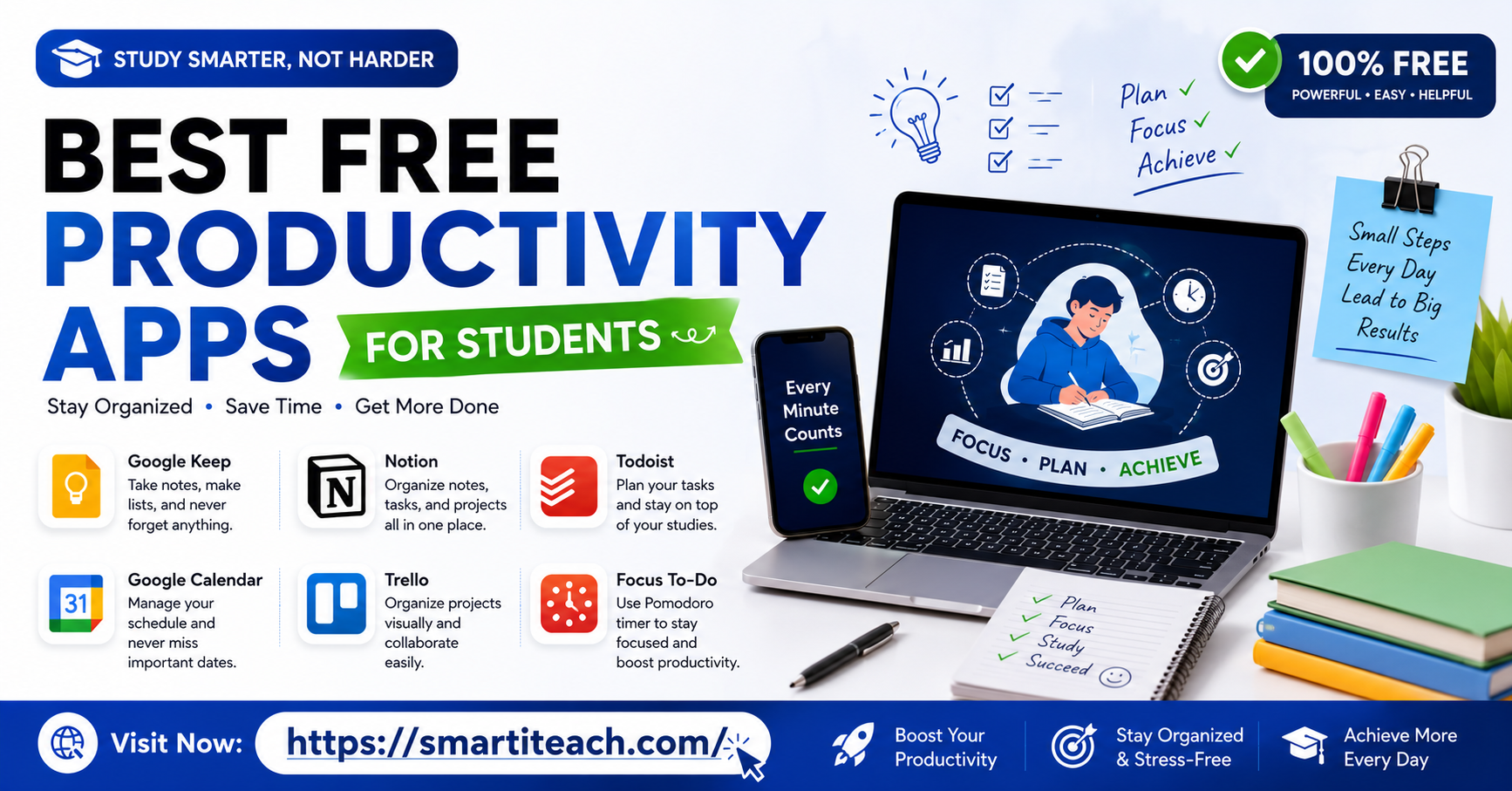

Let’s name the actual problem here, because it’s not that these apps don’t exist. It’s that you’ve probably already got six of them sitting on your phone, each used for about four days total, quietly guilt-tripping you every time you scroll past the icon looking for something else. That’s basically every student who’s ever tried to “get organized this semester” around week two.
So this isn’t a bloated list of thirty apps you’ll open once and forget. Just the ones that actually earn their spot, why, and — this matters more than people think — how many you should be running at once before it turns into its own part-time job.
Sticking to exactly this. Best free productivity apps for students. Nothing else tacked on.
Why Most Students Bail on These Apps Within a Week
Before the actual list, worth saying why this usually falls apart, because it’s rarely the app’s fault. It’s app fatigue, plain and simple. Syllabus week hits, you get excited, download a pile of stuff, spend a whole evening setting each one up just right, and by week three you’re back to a sticky note stuck to your laptop because bouncing between five apps just to find one deadline is exhausting.
The fix isn’t finding some mythical perfect app. It’s picking two or three that cover genuinely different jobs and just… using them. Consistently. That’s really the whole trick, and it matters more than which specific names you land on.
Notion, for Basically Everything in One Place
Notion keeps showing up on these lists because it genuinely does more than anything else free. Less a single app, more a blank workspace you build your own system inside — notes, assignment tracker, reading list, semester calendar, all connected however you want them to be.
Free plan’s generous. Unlimited pages and blocks for personal use, so no annoying paywall three weeks in. Some schools qualify you for an even bigger education plan through your school email, worth a quick check.
Real catch though — Notion can eat your whole evening if you let it. Genuinely easy to burn three hours color-coding the perfect assignment tracker instead of doing the assignment itself. Start small. One page for classes, one running to-do list. Build up only once you’ve actually used the basic version a couple weeks.
Todoist, if Notion’s Just Too Much
Some people just want a list. Not a workspace, not a database, just what’s due and when. That’s Todoist’s entire job, and it does it cleanly.
Free plan covers a solid number of active projects and tasks, plenty for one person handling classes. Due dates, recurring tasks for weekly readings, syncs across phone and laptop so a deadline you jot down on the bus shows up the second you open your laptop later.
Pairs nicely with Google Calendar too, honestly the combo most students land on eventually. Todoist for the what, calendar for the when.
Google Calendar, Because Losing Track of Time Is Real
Not flashy, not new, but free, already on your phone, and it solves something almost every student deals with without clocking it as a problem — losing track of how much time’s actually left before something’s due.
Color-code classes, block real study time instead of just scribbling “study” as a vague hope, set reminders for the stuff that always sneaks up on you, registration deadlines, scholarship cutoffs, whatever. Point isn’t just seeing what’s due. It’s seeing how your week’s actually shaped, so you’re not discovering at 9pm that three things somehow landed on the same morning.
Anki, if Memorization’s Part of Your Life
Heavy memorization course, med terminology, a language, anatomy, vocab-dense anything? Anki’s the gold standard, and it’s completely free on desktop. It’s a flashcard app, but the difference is spaced repetition. It doesn’t just shuffle cards at random, it schedules them by how well you’re actually remembering each one, showing the tricky ones more, the easy ones less.
Looks a little dated next to flashier apps, small learning curve setting up your first deck. But once it’s running, it’s one of the most effective free study tools out there, and the people who stick with it tend to swear by it hard, no exaggeration.
Forest, for When You Genuinely Can’t Put the Phone Down
Sounds almost too simple to actually work, and yet. Open Forest, plant a tree, set a timer. Leave the app to go check your phone mid-session, the tree dies. Stick with it, watch a little forest grow over time.
Turns “focus” into something visual, which sounds gimmicky right up until you actually try it a week and realize how much you didn’t want that tree to die. Free version covers the core timer just fine. Won’t fix a genuinely serious focus problem on its own, but as a nudge to put the phone down during a study block, it works better than it has any right to.
Quizlet, for Group Study and Last-Minute Review
Where Anki’s the serious long-haul memorization tool, Quizlet’s faster and more social, great for group study or cramming the night before a test. Build flashcard sets, it turns them into different modes, matching games, practice tests, that sort of thing.
Free plan lets you build and use as many sets as you want, and there’s a huge library of sets other students already made, searchable, so sometimes you skip building from scratch entirely for common courses. Less scientifically rigorous than Anki’s spaced repetition, sure, but faster to jump into and genuinely better for sharing with classmates right before an exam.
Google Keep, for the Stuff That Doesn’t Deserve a Whole App
Not everything needs a spot in Notion or a full task manager. Sometimes you just need to jot something fast, a random thought mid-lecture, a reminder to email a professor, a quick grocery list on the walk home. Google Keep’s built for exactly that.
Basically digital sticky notes. Free, syncs instantly across phone and browser, zero learning curve. Whole point is speed. Open it, type, done. Ever lost a good idea because opening your “real” productivity app felt like too much friction in the moment? This fills that specific gap and nothing more.
Clockify, if You’ve No Clue Where Your Time Actually Goes
A lot of students think they’re studying way more than they actually are, purely because tab-switching, scrolling, half-focused time doesn’t feel like it counts, but it absolutely eats hours. Clockify’s a free time tracker, and unlike most “free” trackers that limit you until you pay up, this one’s free plan genuinely covers unlimited tracking without nagging you toward an upgrade every five minutes.
Run it during a study session, look at the report after. Most people are a little shocked, sometimes a lot shocked, at how much less actual focused time happened than how long they sat there. Less about beating yourself up over it, more about seeing the honest picture so you can actually do something about it.
How Many of These You Should Actually Run
This part matters more than the list itself, honestly. Don’t install all seven. That’s the exact trap leading right back to app fatigue and a phone full of stuff you resent opening.
Pick one for tasks, Notion or Todoist, not both. Google Calendar for scheduling, basically everyone’s already got it anyway. Add Anki or Quizlet only if your coursework’s actually heavy on memorization, skip entirely if it’s not. Forest only if focus is a genuine, specific struggle, not because it looks cute. Clockify only if you’re curious where your time’s vanishing to.
Three or four tools, genuinely used, beats seven half set up every single time.
Setting This Up Without Losing a Weekend to It
Don’t try to build the perfect system in one sitting. Pick your task tool, add this week’s assignments, nothing retroactive, nothing elaborate. Add your class schedule to the calendar. That’s day one, maybe twenty minutes total.
Only bring in the study-specific ones, Anki, Quizlet, Forest, once the basic task-and-calendar habit’s actually stuck for a week or two. Stacking everything on at once is exactly how good intentions turn into six unused apps by week three.
The Actual Point of All This
None of these apps do the studying for you, obviously, and no free tool turns a disorganized semester effortless overnight. What they do, when you actually use two or three consistently instead of hoarding a dozen half-heartedly, is remove the small daily friction that eats way more time than people realize. Forgetting deadlines. Losing track of what’s due when. Rewriting the same to-do list from memory every single morning.
Start small. One task app, your calendar, and only bolt on the study-specific tools once the basics are actually sticking. That’s genuinely the whole system, and it costs nothing but a little setup time this week.



[…] going to skip the long intro about “21st century skills” and “the information age.” You already know why this matters. Let’s just […]