
I used to spend, no exaggeration, close to five hours a week just organizing files. Client contracts in one folder, invoices somewhere else, meeting notes scattered across three different apps because I could never decide which one I actually liked. Every time I needed something specific, an old proposal, a contract from four months ago, it turned into this whole archaeological dig through folders with names that made sense to past-me but meant nothing to present-me.
Then I actually started using AI tools for this, properly, not just dabbling, and that five hours dropped to maybe thirty minutes a week. Not because I got more organized as a person, I genuinely didn’t, my desk is still a mess if you want the honest truth. The tools got organized on my behalf, quietly, in the background, while I did other things.
That’s basically the whole promise of workspace automation, when you strip away all the buzzwords and the hype. Less time on the tedious stuff. More time on the stuff that actually needs a human brain behind it.
You Don’t Need to Be Technical for Any of This
I want to get this out of the way early because it stops a lot of small business owners before they even start. You do not need to know how to code. Not even a little. Most of these tools work through plain conversation or simple point-and-click setup, the kind of thing you could figure out on a lunch break if you had to.
I say this because I’ve watched founders avoid automation entirely, for years sometimes, assuming it required some technical skill set they didn’t have and didn’t have time to learn. It doesn’t, mostly, not anymore. The tools have genuinely gotten that much more approachable over the last couple of years.
Where to Actually Start: Communication
Client emails eat an enormous, honestly kind of shocking amount of time once you actually track it. Onboarding messages, meeting reminders, follow-ups after a call, they all follow patterns you could probably write out from memory if someone asked you to.
AI tools can draft these now, and pretty well too, based on triggers you set up once and mostly forget about. New client signs a contract, welcome email goes out automatically. Meeting happens, follow-up email drafts itself within an hour, usually ready for you to just glance at and send, maybe tweak a line or two if something feels off.
I set this up for my own business over a weekend, took maybe two hours total including the part where I got distracted reading unrelated forum threads about something completely unrelated. Saves me somewhere around three hours a week now, conservatively, probably more some weeks.
Then: Get Your Data Under Control
This was my five-hours-a-week problem, the one I mentioned at the start. Small businesses drown in scattered information constantly, it’s almost universal in my experience. Spreadsheets here, emails there, random chat messages with important details buried inside them that nobody remembers exist until it’s too late and you need them urgently.
AI-powered workspace tools can scan through this now, tag it, organize it, without you manually sorting a single file yourself. Searching for a specific client contract used to take me a solid fifteen minutes of digging through folders. Now it takes maybe fifteen seconds, sometimes less, and I’m honestly still a little amazed by that every time it works.
Worth noting though, and this is important: you have to actually feed these tools your existing files to start, upload everything into whatever system you choose. That first setup takes some real time upfront, an afternoon at minimum, sometimes a full day if you’ve got years of disorganized files piled up. It’s genuinely worth it though. I wish I’d done it a full year earlier than I actually did.
Let It Write Your First Drafts
Reports, proposals, internal summaries, these all take real time to write completely from scratch every single time. AI tools now generate a strong first draft based on your data, your templates, your general style once it’s learned it a bit.
I don’t mean the final version, to be clear, don’t publish whatever it spits out untouched. I mean a solid starting point you edit and refine instead of staring at a completely blank page for twenty minutes trying to figure out how to even begin. That blank page problem is a real, measurable time cost, and it disappears almost entirely once you’re editing existing text instead of generating it from nothing.
Cut my proposal writing time by roughly half using this approach. Half. That’s not a small number when you’re writing multiple proposals a month, and it adds up fast over a quarter.
Automate the Follow-Ups You Keep Forgetting
Be honest with yourself for a second here. How many follow-ups have you personally missed this quarter alone? Not because you didn’t care, obviously, but because you got busy, something more urgent came up, and it just slipped through the cracks entirely.
AI scheduling assistants track every open conversation now and flag the ones that have gone quiet too long. Some even suggest the next move, a specific message to send, a specific action to take. Nothing falls through anymore, or at least a lot less falls through than before, because a human being genuinely cannot hold forty open threads in their head simultaneously while also doing their actual job.
Chain Multiple Actions Together
This part sounds more technical than it actually is, I promise, and I almost skipped mentioning it in an earlier draft of this because I worried it would scare people off. Many affordable tools now let you connect your different apps with simple logic. If this happens, then do that. That’s genuinely the whole concept.
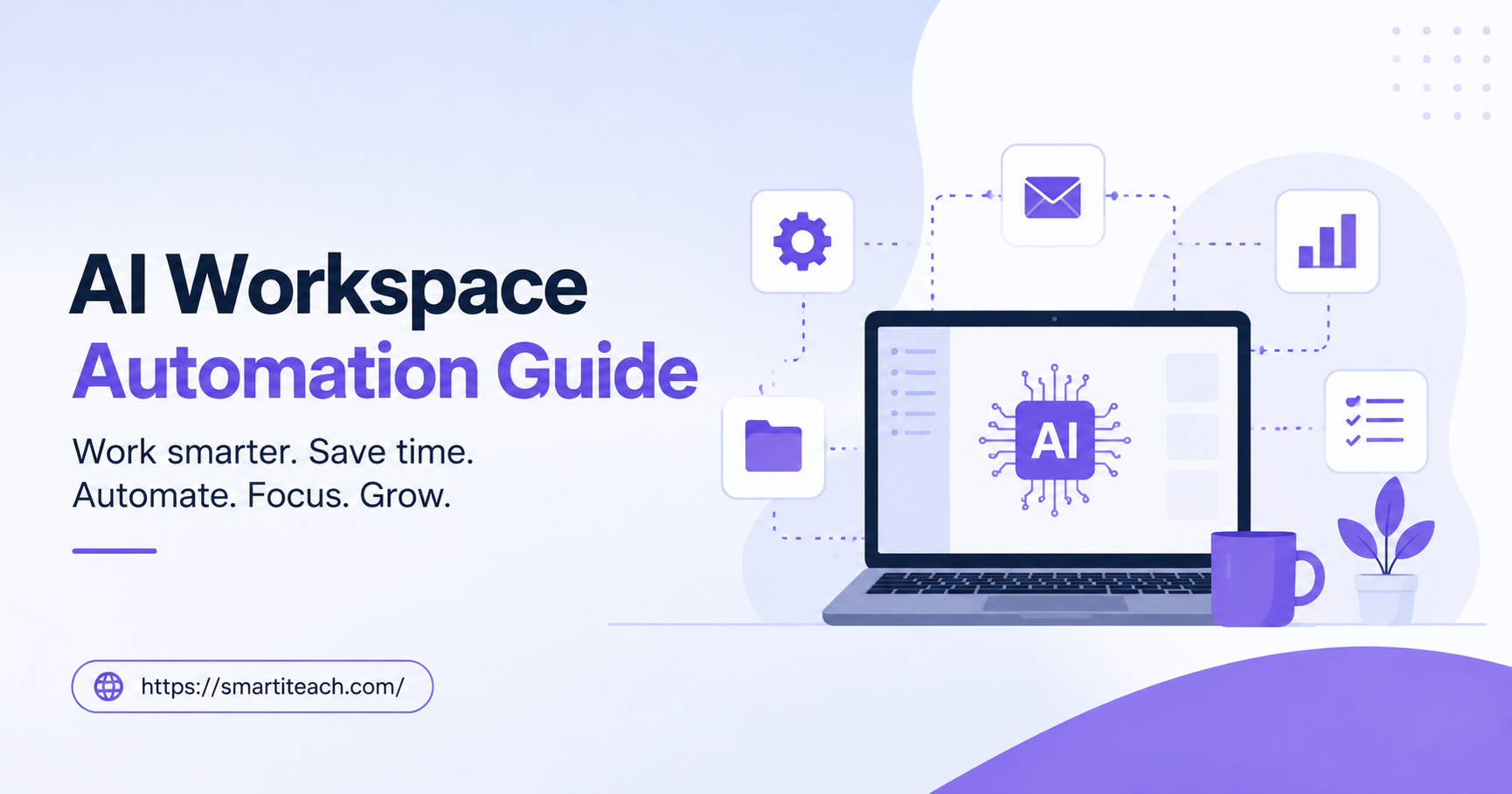
New client fills out a form on your website. That single trigger can automatically create a project folder, send a welcome email, and notify your team in Slack, all without a single person lifting a finger to do any of it manually. One trigger, several actions, zero manual work required after the initial setup.
I set up something similar for client onboarding maybe eight months ago now. Took an afternoon to configure properly, testing it a few times to make sure it worked right. Saves probably two hours a week since then, and honestly the bigger benefit isn’t even the time, it’s that nothing gets forgotten anymore. Before this, I’d occasionally forget to send the welcome packet to a new client, which looked unprofessional and, frankly, embarrassing when it happened.
Keep a Human Checking In, Always
I want to be careful here because automation can go sideways if you just set it up and completely walk away, never checking back in. Review what your AI tools generate before it goes out to a client, especially early on while you’re still learning what it does well and where it tends to stumble.
Check your automated decisions periodically too, don’t just assume they still make sense six months later. Business changes. Your automation should change alongside it, and it won’t automatically know to update itself just because your business shifted in some way.
I check mine monthly, just a quick review, maybe twenty minutes total. Caught a few small issues that way, nothing catastrophic, but small annoyances that would have compounded and gotten more annoying over time if I’d just ignored them and assumed everything was fine.
Starting Small Beats Starting Big
Don’t try to automate everything at once, that’s honestly the fastest way to feel completely overwhelmed and give up on the whole idea within a week. Pick one task. The one you personally dread the most, whatever that is for you specifically.
For me it was the file organization, that five-hours-a-week nightmare I mentioned way back at the start of this. For you it might be something completely different, scheduling, or invoicing, or those endless follow-up emails you keep meaning to send and somehow never quite get to.
Set that one thing up first, this week if you can manage it, not next quarter, not “when things calm down” because things rarely actually calm down on their own without you making a change. Get comfortable with it, see how it actually performs in real use. Then add the next thing once you trust the first one is working the way you need it to.
That’s genuinely how I built my whole current setup, one piece at a time over roughly six months, not all at once in some ambitious weekend project that would’ve probably fallen apart from trying to do too much too fast. Small, steady changes. They add up faster than you’d expect, and a year from now you’ll look back and barely recognize how much time you used to spend on things a tool now handles quietly in the background while you focus on the parts of your business that actually need you.