
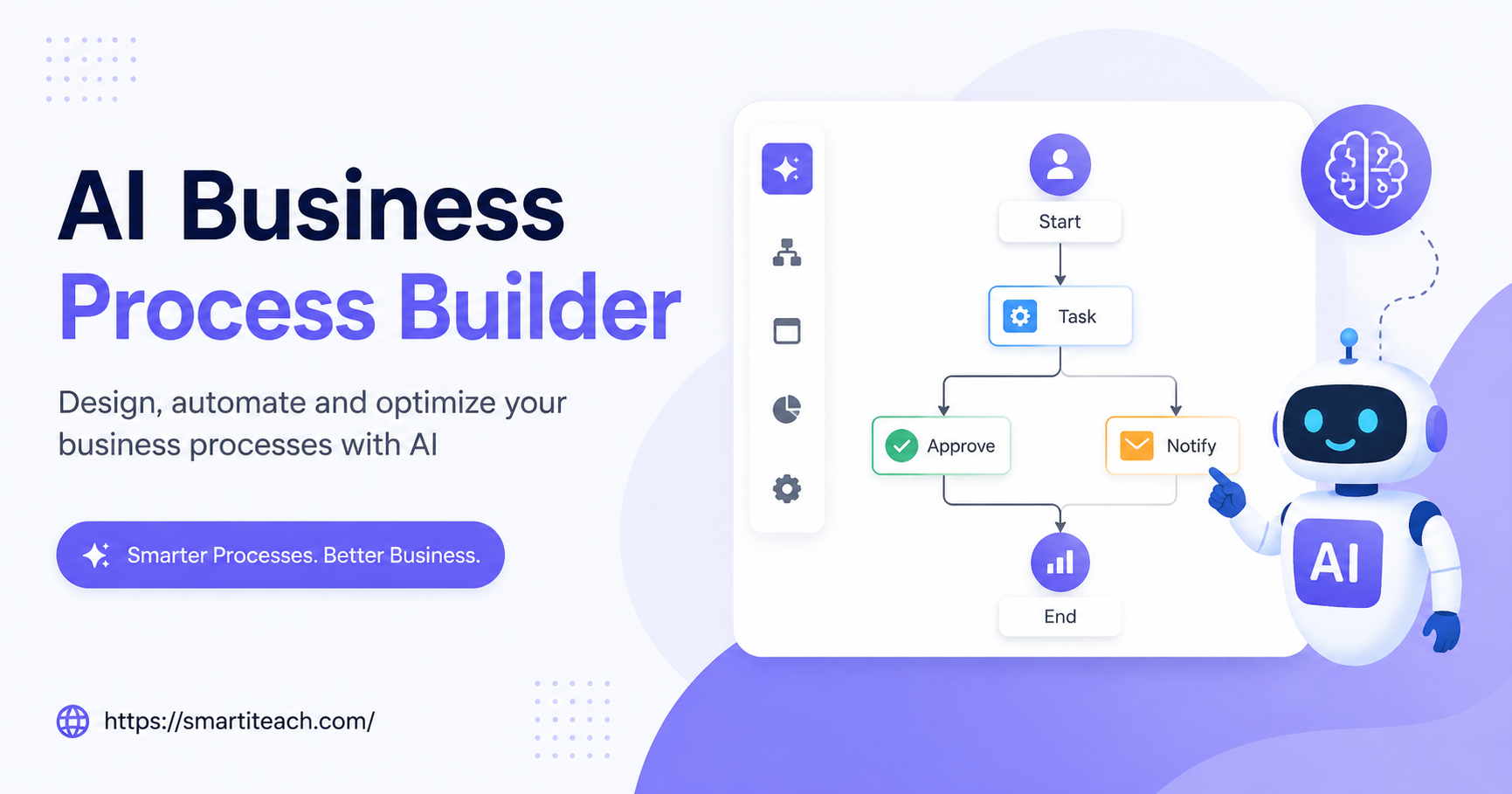

Five people, one shared inbox, someone eyeballs every invoice before it gets approved. Fine at that size everyone knows the informal rules, nothing slips through because there’s nowhere for it to slip. Then the company grows to thirty people and suddenly that same manual process is a bottleneck nobody planned for. This is where an AI Business Process Builder earns its keep not by replacing judgment, but by handling the repetitive decisions that don’t need a human anymore.
Why Manual Processes Crack Under Growth
A small team can run on manual processes for a surprisingly long time. Someone checks the inbox each morning. Someone signs off on expenses. A spreadsheet gets updated by whoever remembers to do it. It works because volume is low and everyone’s basically improvising the same unwritten rules together.
Then growth happens, and the cracks show fast. The one person who handles approvals goes on vacation and suddenly nothing moves for a week. Data gets typed wrong because someone’s doing the same repetitive entry for the hundredth time that month and their brain’s checked out. Small errors stack on top of each other until a client notices, or a deadline gets blown, and only then does anyone admit the process was broken all along.
What This Actually Does, Practically
An AI Business Process Builder lets a team map a workflow out visually like a flowchart, basically and then automates whatever step doesn’t require real judgment. A new customer inquiry comes in, gets categorized automatically, routed to the right department, and gets an initial reply, all before a human even opens the email.
Common uses: routing support tickets by urgency, auto-approving expense reports under some set dollar threshold, handling new-hire document collection without someone chasing paperwork by hand, flagging which invoices need a real look versus which can just sail through, and triggering follow-up emails based on what a customer’s actually doing on the site.
None of this replaces human decision making entirely, and it shouldn’t try to. It just clears out the rules-based stuff so people can spend their attention on the calls that genuinely need experience behind them.
Designing One That Doesn’t Backfire
Start small. Pick the one process causing the most day-to-day frustration right now invoice approval, onboarding, whatever it is and don’t try to automate five things simultaneously. Teams need time to trust a new system, and trying to overhaul everything at once tends to just break trust in all of it at once too.
Map the process exactly as it happens today, workarounds and all. This step gets skipped constantly and it’s the reason so many automated workflows look clean on paper and then completely fall apart the first time a weird edge case shows up in real life.
Build in checkpoints where a human still has to look. Full automation sounds great until a five-figure transaction goes through unreviewed, or a sensitive complaint gets auto-closed without anyone reading it. A well-built system makes it easy to slot a human review exactly where it actually matters.
Test with real data before rolling it out company-wide. Run the new system alongside the old manual one for a week or two and compare. Catching a bug in a test run costs nothing. Catching it after it’s touched real customer money costs a lot more.
Measuring Whether It Worked
Track the time saved on the specific process if invoice approval dropped from three days to three hours, that number tells the whole story right there. Track errors too, since a lot of manual mistakes come down to fatigue, not carelessness, and automation tends to fix that quietly.
Employee satisfaction is harder to measure but worth watching anyway. People who stop spending their day on repetitive data entry tend to engage a lot more with the parts of the job that actually need creativity.
The Mistakes Worth Avoiding
Automating a broken process just makes the broken process happen faster fix the underlying mess first, don’t just wrap automation around confusion and call it solved.
Skipping training is another common one. Even a genuinely intuitive tool needs a short walkthrough so the team understands what changed and why it changed.
And don’t treat this as a one-and-done project. Needs shift, products launch, customers change what they expect. Revisit each automated workflow every few months and check it still actually matches how the business runs now not how it ran when the workflow was first built.
An AI Business Process Builder won’t solve every operational headache a company has. But it takes the repetitive weight off, and once a process is mapped and tested properly, that freed-up time goes straight back into the work that actually grows the business.



[…] once something’s actually working should money go toward scaling it. Scaling something unproven is just building the second bakery location before […]